DCA Bots for Automated Crypto Trading.
Create a rules-based DCA strategy or review and copy a public bot, with configurable entries, exits, and risk controls.
4.7on Google Play and the App Store14-day free trial
Start in 3 simple steps.
- 01
Create an account
Create a Cornix account and connect your exchange
- 02
Copy or create
Copy a public bot or create your own
- 03
Track
Track your bots’ performance over time
Automate a crypto DCA strategy with Cornix
Configure how a bot enters, adds to, and exits a position. DCA automation can make execution more consistent, but every strategy still needs a capital limit, an exit plan, and ongoing monitoring.
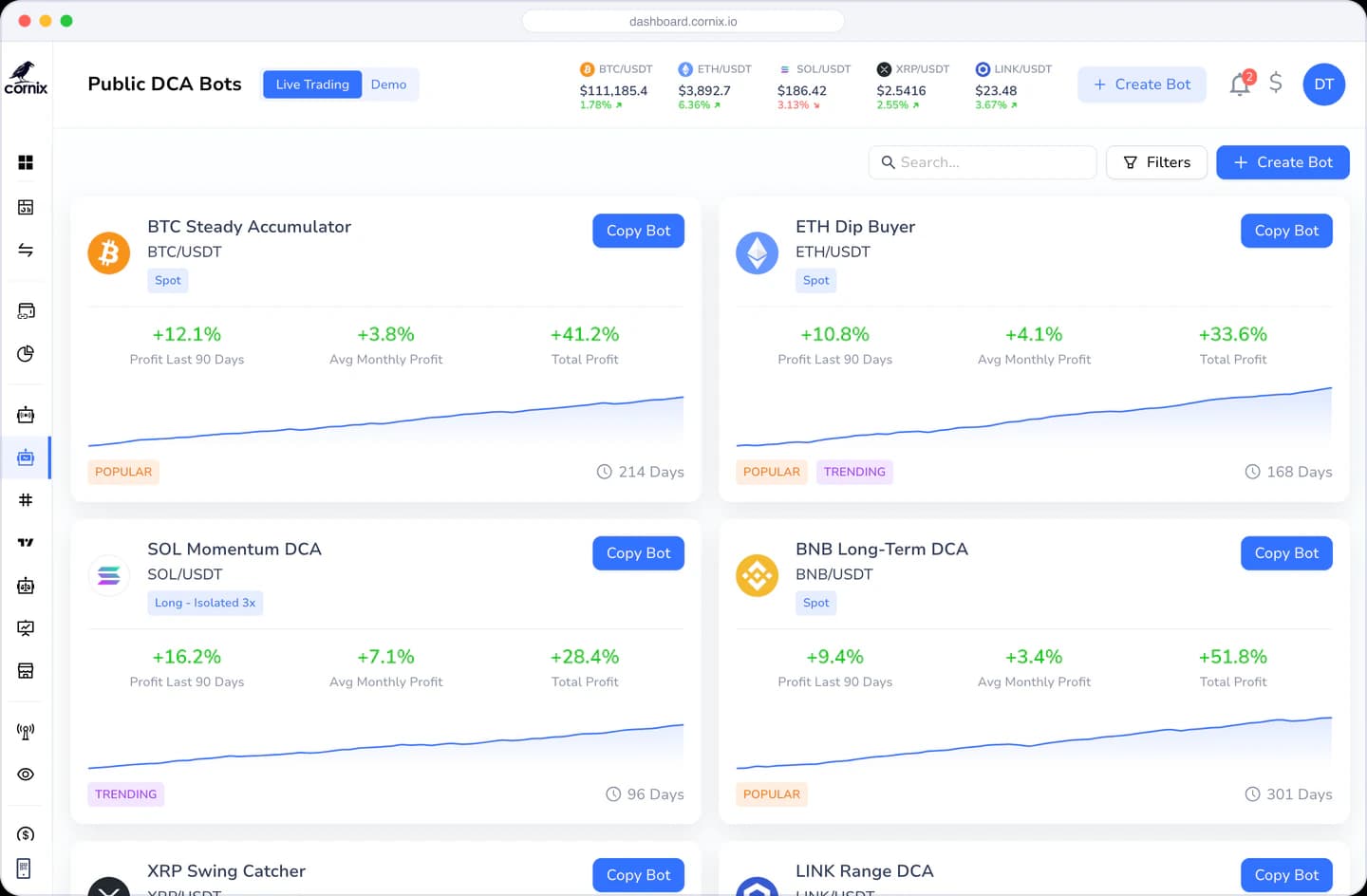
Create your own bot or review a public bot
Search and filter public bots, inspect their settings and displayed historical performance, or build a configuration around your own rules. Past performance does not guarantee future results.
How a DCA bot manages a position
The bot follows the entry, additional-order, and exit rules you configure. Review the maximum position size before activation and monitor the strategy as market conditions change.
- Opens the first trade when activated
- Buys as the price goes down
- Sells when the price goes up
- Opens a new trade
Simplified Complexity
Why Use Cornix DCA Bots.
Configure a strategy for different market conditions
Highly customized with advanced trading features
Hit the ground running in minutes
Save time by letting the bots do the work for you
Keep emotion out of the equation
Safe and secure platform with 24/7 support
Plan before you automate
Build a DCA bot around rules you understand
A DCA bot can automate entries and position management around a defined strategy. Start with a market, budget, exit plan, and maximum exposure so every order follows rules you understand.
- 01
Define the entry logic
Choose the pair, initial order, price-deviation rules, and conditions that may trigger additional orders. The settings should match the volatility and liquidity of the market you trade.
- 02
Control total exposure
Review the maximum number and size of orders before activation. Model the total capital the bot may use if every configured order is filled during a sustained move.
- 03
Set the exit and pause rules
Configure take-profit and risk controls deliberately, then decide what market change or account condition should make you pause, edit, or stop the bot.
A practical DCA bot workflow
- 1Choose a liquid market and define the maximum capital available to the bot.
- 2Create a strategy or review the complete settings of a public bot before copying it.
- 3Check how additional orders change the average entry price and total position size.
- 4Monitor live behavior and review settings when volatility or market structure changes.
Frequently asked questions.
What does a Cornix DCA bot automate?
A Cornix DCA bot follows the entry, additional-order, take-profit, stop-loss, and repeat-cycle settings you configure for a connected exchange account.
Can I create my own DCA bot or copy an existing one?
You can build a DCA bot around your own rules or review and copy a public bot. Before activation, confirm the exchange account, market, allocation, entries, and exit settings fit your plan.
How much capital can a DCA bot use?
The maximum depends on the initial order and every configured additional order. Review the complete potential position size before activation, including the case where all planned orders fill.
Loved by traders
Thousands of crypto traders trust Cornix.
Our goal is your success. We do our best to make the Cornix experience simple and reliable, so you stay with us for years to come.
Great Trading view bot and support
“This bot have got very cool support and trading view bot systems I have used the trading view alert to take trades directly with my broker it is very fast and Sharp it execute trades at the exact trade price with no delay....”
I was interested to try DCA bots
“I wasn't sure that it will work, but I checked reviews and read the info on the website, and decided to try and figure out is it really good or no? And now I am really glad to see my results and everything was easy to set up, thanks.”
Best crypto trading platform i've tried
“I like their platform, works great on my iPhone so it's always there and their web is great for when I need to see more at one. Super recommend.”
The best auto trading bot for crypto
“The best auto trading bot for crypto. I have been using it for a year now and I don't want to change it for any other. Clear. Easy. Powerful. And the documentation and help service is great and fast. 10/10”
Cornix is the one and only BOT you need
“Cornix is the one and only BOT you need for trading crypto! Awesome tool to manual trade and automatically follow signals.”
Cornix is Awesome
“Cornix is excellent and support is great. Cornix is now my default trading platform. I can no longer go back to trading manually. Well done Cornix.”
Signal Provider onboarding XP: GREAT
“The onboarding as signal provider has been great with Ben and Cornix Team help and guidance. They are always happy to serve and help actively to achieve my main strategy goals and configuration.”

Ready to level up your crypto trading strategy?
Start your free trial now. No credit card required.