Table of contents
- Choose a community you can learn from and audit
- Confirm that the Discord channel supports automation
- Connect Discord as a member or server admin
- Create the Signals Bot without activating it
- Rehearse updates and compare actual trade records
Discord crypto trading communities are worth considering when their analysis fits your markets, their signals contain clear trade instructions, and their moderators explain losses as openly as wins. Choose the community first, then automate only a supported signal channel whose sizing and exit rules you understand.
Begin with observation rather than an active bot. Read a continuous stretch of messages, inspect how trade ideas change after publication, and decide whether you want education, discretionary discussion, or repeatable signals. Those needs call for different levels of involvement.
Choose a community you can learn from and audit
Ask for a sample of the actual channel you would join, not just promotional screenshots. Review consecutive signals, including canceled ideas and losing trades. Write down the proposed entry, exit, publication time, and later updates. Your selection test should reward an understandable process rather than a memorable winning call.
For discussion-led communities, prioritize explanations and useful answers to questions. For signal-led communities, require instructions precise enough to evaluate before execution. Keep market commentary separate from actionable trade calls in your own notes. Open the crypto trading signals guide if you need help distinguishing provider styles before choosing a community.
Use these questions during your observation period:
- Can you follow the reasoning? Ask what invalidates a setup before joining a trade.
- Does the schedule fit? Compare signal timing with the hours you can supervise positions.
- Are updates traceable? Look for an understandable record of changes and cancellations.
- Are costs explicit? Ask what membership includes, how renewal works, and which tools cost extra.
Treat pressure to act immediately, suspicious login links, and requests for passwords or authorization tokens as reasons to stop. Discord recommends two-factor authentication, checking links, and reviewing who can send direct messages. Use its account safety checklist before interacting with unfamiliar accounts.
Confirm that the Discord channel supports automation
Cornix Signals Bots detect signals from connected supported Discord groups, place matching exchange orders, and track changes such as target edits or cancellations. This is useful when you want continuing signal management rather than manually copying each message (Signals Bot overview).
Ask the community admin whether the specific signal channel is integrated. Do not treat a server invitation as confirmation that every channel is ready for automation. Cornix requires channel activation to enable signal parsing and auto-trading (Discord integration instructions).
Check the exchange and market type before paying for a workflow. Cornix supports Kraken and Coinbase spot accounts, for example, while its supported futures venues form a different list. Cornix does not support Binance.us, okx.us, okx.eu, or ByBit.eu. Match your exact exchange entity and account type against the supported exchanges guide.
Connect Discord as a member or server admin
Members and admins have different jobs. A member links an identity and chooses a trading configuration. An admin installs and activates the server bot. Complete the steps for your role before moving on.
For members:
- Open Cornix Settings > Account & Security > External Accounts > Discord > Connect.
- Follow the pop-up to open the Cornix Trading Bot on Discord.
- Send the command supplied in that connection flow.
- Return, click Continue, and look for Connected.
For admins:
- Use the official bot invitation in the integration instructions, select your server, and click Authorize.
- Enter
/activatein the intended signal channel. - Confirm that a valid published signal receives the follow functionality.
Cornix requires the person activating or publishing signals to be the server creator or have Administrator or Manage Messages server permissions. Its connection instructions also require allowing direct messages from server members for the connection.
Create the Signals Bot without activating it
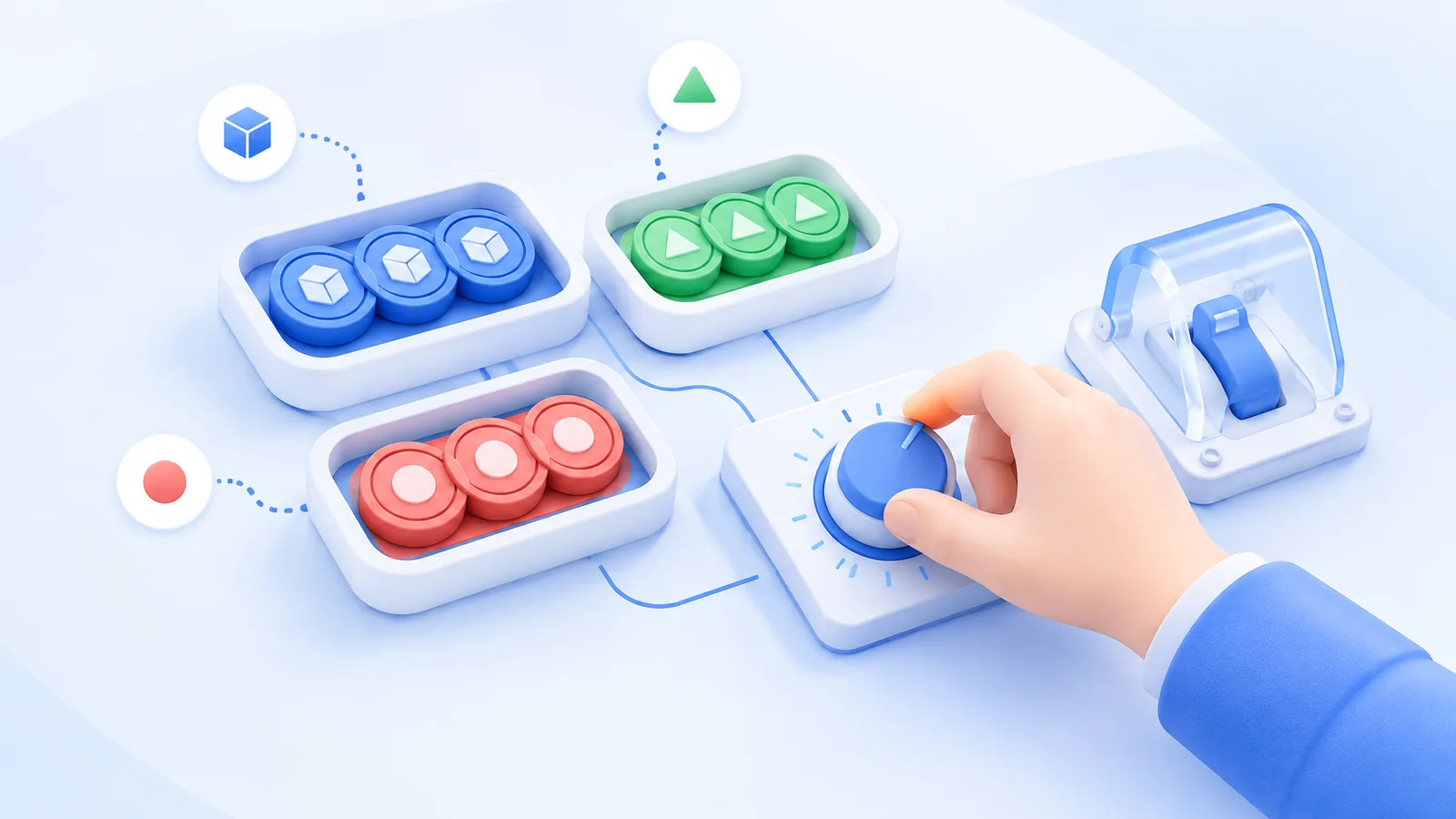
Cornix separates creating a bot from activating it, giving you a review point before new signals initiate trades. In Signals Bots, select Create Bot, choose the Signals Group and Exchange Account, then configure Amount Per Trade. Cornix supports a fixed USD/BTC amount, a percentage of available funds, or a Risk percentage (Signals Bot setup guide).
Use Show Configuration to inspect entry, take-profit, and stop-loss strategies. Choose Create to save an inactive bot; Create & Activate enables trading when the channel publishes a signal. Cornix also warns that switching back to Basic Settings discards changes made in the advanced sections.
Write down the maximum capital you intend to commit across simultaneous signals. A small amount per trade can still add up when several trades remain open. Keep that exposure calculation separate from the loss estimate at a stop.
Use the calculation below as a planning illustration, not a suggested allocation. If the combined commitment exceeds your limit, reduce the amount before activation rather than relying on the channel to publish fewer ideas.
For a hypothetical $1,000 practice balance, a fixed $40 per trade and 5 simultaneous fully allocated spot trades imply $40 × 5 = $200 committed, or $200 ÷ $1,000 × 100 = 20% of the balance before fees. This estimates capital allocation, not the amount you would lose at a stop.
Rehearse updates and compare actual trade records
Cornix Demo Account lets you evaluate signal channels with simulated funds before committing real money. Keep the practice amount and configuration close to what you would actually use, and review updates as well as initial entries. Simulation can differ from live trading in execution speed and liquidity (Demo Account guide).
Make your test answer specific questions: Did the intended signal become the intended trade? Did an edited target produce the expected change? Could you identify a canceled setup afterward? Record the message time, settings, expected action, and observed result. Avoid changing several settings between observations, because that makes the cause of a difference harder to isolate.
Cornix distinguishes theoretical channel results from actual exchange trades. A touched target can remain partially filled or unfilled, and execution prices can differ through slippage or exchange price variations. Personal configuration can also override channel settings, so judge your own trade records rather than assuming the channel's reported return is yours (signal and trade discrepancies).
For the wider connection between strategy inputs, bot settings, and exchange execution, read the crypto trading automation guide. Use it to identify which part of the workflow needs attention when an observed action differs from your written plan.
Choose a community whose instructions you can explain, connect only the intended channel, and keep the bot inactive until its settings pass review. When you are ready to rehearse the signal workflow, explore the Cornix Demo Account.
Frequently Asked Questions
Should beginners join free or paid Discord crypto trading communities?
Start with whichever offers enough access to inspect the teaching and trade process. A paid membership is worth considering only when its specific service, such as structured lessons or a clearly defined signal channel, meets a need you cannot satisfy in the available free material.
How long should I observe a Discord trading community before subscribing?
Use an event-based threshold rather than a fixed number of days. Observe new signals, revisions, cancellations, and losing outcomes. If your sample contains only successful calls, keep observing until you can evaluate how the community handles an unfavorable result.
Can I follow a Discord signal manually instead of enabling auto-trading?
Cornix provides a follow-signal button beneath valid signals in an activated Discord channel, alongside automatic following. Manual following gives you a decision point for each signal; it does not remove the need to inspect the trade settings.