Table of contents
- Follow the instruction from alert to order
- Separate market data from account authority
- Check the exchange domain before connecting
- Translate allocation into an acceptable order
- Reconcile uncertain responses before sending again
- Test the route and budget for execution
A crypto trading API connects automation software to an exchange so it can request account information and submit authorized orders. The connection carries instructions; the trading rule determines what to request, and the exchange determines what executes. Understanding those boundaries helps you distinguish a working connection from a correctly executed trade (exchange API documentation).
Cornix TradingView Bots turn connected TradingView alerts into automated trades with configurable entry, stop-loss, and take-profit levels. That gives chart-based traders a concrete route from a defined trigger to exchange execution (TradingView Bot overview).
Follow the instruction from alert to order
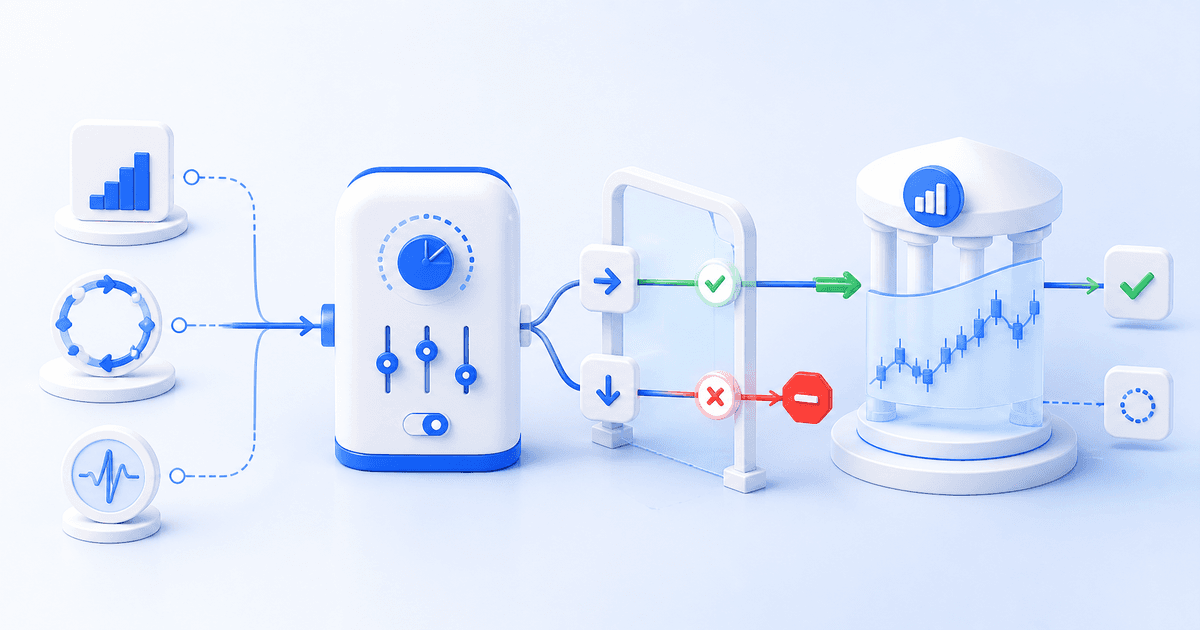
Consider an alert that asks a bot to open a position. Cornix links TradingView alerts to bots using separate UUIDs for opening and closing trades. The selected bot supplies the configured execution settings, so reviewing the destination matters as much as reviewing the chart condition.
At the exchange, an order request identifies details such as the symbol, buy or sell direction, order type, and quantity. A limit order also specifies a price. Binance accepts these through its new-order endpoint and offers response formats with different levels of order detail. A submitted instruction and its eventual fills are separate records.
For a deeper explanation of the input, configuration, and exchange handoff, read our automated crypto trading guide. Use it to map where your own strategy decision ends and order handling begins.
Separate market data from account authority
Public market data and private account actions serve different purposes. Binance distinguishes public endpoints from trading and account-data permissions. Its signed requests authenticate protected actions, while trading must be enabled explicitly on an API key. Access to a price feed therefore does not establish authority to place orders.
Cornix requires reading and trading permissions for automated trading. Reading allows portfolio and order-status checks; trading allows order creation, updates, and cancellation. Futures trading may require additional permission. Cornix advises keeping withdrawal permission disabled, which restricts API withdrawals without removing the authority to trade (API permission guide).
Before authorizing a connection, write down which account it serves and who may change its configuration. Treat permission review as a separate decision from strategy selection. Our crypto bot safety guide helps organize the custody, credential, and operational questions before you connect an account.
Check the exchange domain before connecting
Cornix supports spot connections including Coinbase and Kraken, and separates spot, futures, and inverse compatibility. Cornix does not support Binance.us, ByBit.eu, okx.eu, or okx.us; OKX compatibility applies to okx.com. For a US reader, a similarly named exchange is not sufficient: the exact regional domain can determine whether the connection works (supported exchange guide).
Cornix connects an exchange account through the dashboard's Accounts section: choose + Create, select the exchange, and choose a connection method. Quick Connect automatically creates encrypted, IP-restricted API keys where available; otherwise, Connect with API Keys uses a manual setup. Cornix then completes the connection through the Connect button (exchange connection guide).
Translate allocation into an acceptable order
An exchange needs quantities and prices that match its trading rules. Binance's LOT_SIZE filter controls minimum quantity, maximum quantity, and quantity increments. PRICE_FILTER controls price increments, while MIN_NOTIONAL or NOTIONAL filters constrain order value. A sensible allocation can still produce an invalid order if its calculated quantity violates those requirements.
Keep three values distinct when reviewing sizing: the dollar allocation you intended, the asset quantity calculated from it, and the quantity accepted under exchange rules. Decide how rounding should affect the allocation before execution. Review the applicable minimums for the chosen pair rather than assuming a setting that worked on another market will transfer.
For a hypothetical $120 allocation at an asset price of $3,000, the intended quantity is $120 ÷ $3,000 = 0.04 units. If the chosen market accepts 0.01-unit increments and a $10 minimum order value, 0.04 units meets both illustrative rules before fees. These are example inputs, not current exchange limits.
Reconcile uncertain responses before sending again

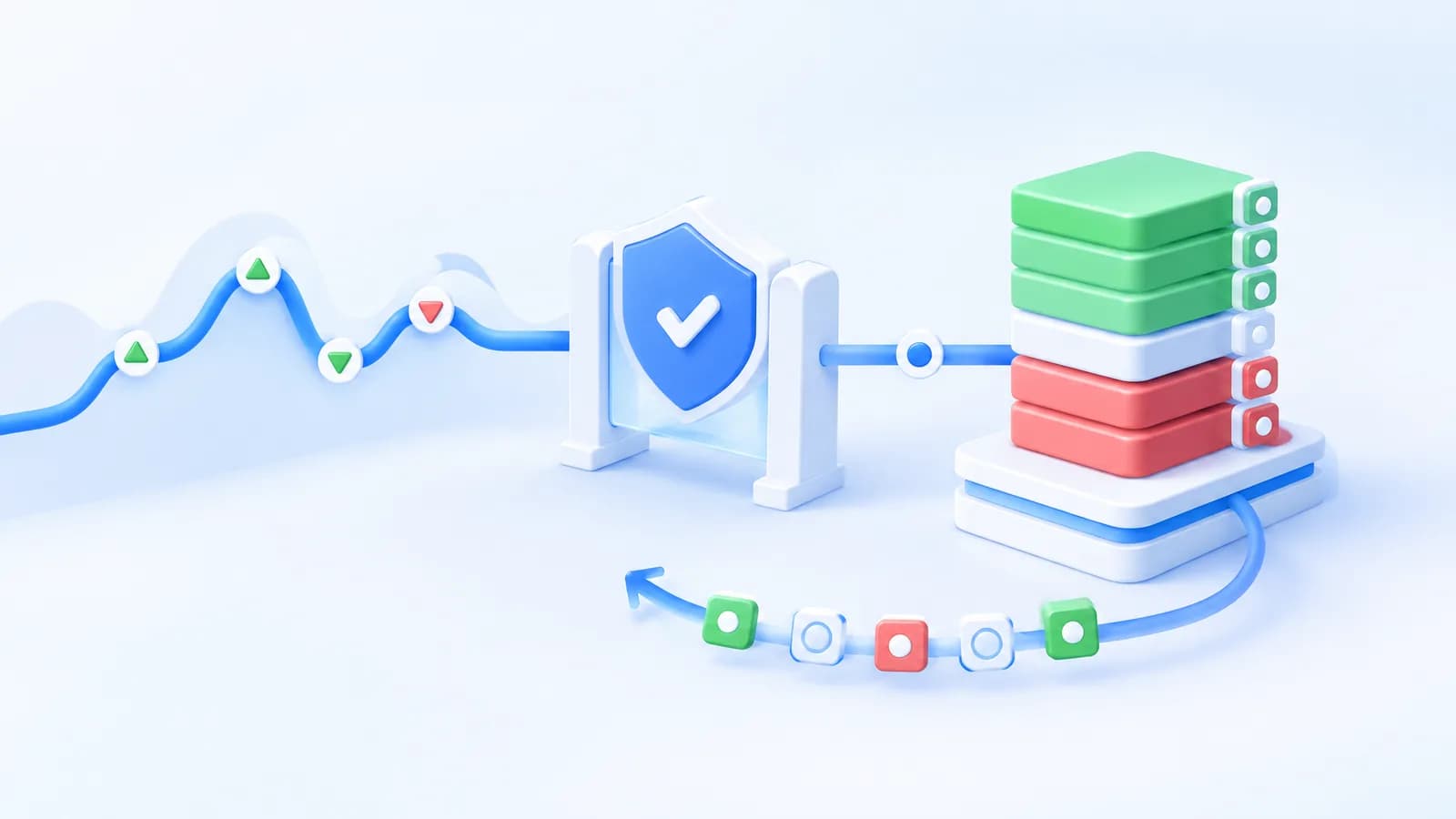
A delayed response is not proof that an order failed. Binance documents a 10-second processing timeout that can leave execution status unknown, and directs clients to query order status if the result has not appeared in the user data stream. Check the existing request before treating it as a missing order.
For your review routine, distinguish an accepted order from a completed fill. Binance's order-query endpoint returns status and executed quantity, allowing a workflow to inspect what actually happened. Record the intended size alongside the executed amount so an open remainder does not disappear from your monitoring.
Test the route and budget for execution
Cornix Demo Accounts use simulated funds without requiring an exchange API connection. Cornix supports Signals, DCA, Grid, and TradingView bots in that environment, with a designated demo webhook for TradingView bots. Start by checking the selected bot, its order settings, and the resulting trade record in the demo account guide.
Use simulation to inspect configuration behavior, then treat live exchange access as a separate check. Cornix does not connect external exchange demo accounts or testnets through API keys. Its built-in demo environment therefore should not be mistaken for a test of your real exchange credentials.
When looking for a free crypto trading API, separate access costs from execution costs. Coinbase Advanced trading fees vary by product, fee tier, and maker or taker execution. An immediately matched portion can pay a taker fee while a remaining portion pays a maker fee. Budget using the applicable account rates rather than assuming API access makes trades free (trading fee guide).
Once you can explain the trigger, permitted account actions, accepted order size, and reconciliation routine, practice that workflow through the Cornix registration page.
Frequently Asked Questions
Is an API key the same as my exchange password?
No. Cornix uses exchange API credentials for programmatic access rather than requiring your exchange login password. Some exchanges require additional authentication details.
Can I reuse live TradingView alerts for demo trading?
Cornix requires the designated demo webhook URL for demo TradingView Bots. Configure the alert for that environment instead of sending it to the live destination.
Does every order request return complete fill details?
No. Binance supports ACK, RESULT, and FULL response types for new orders. The response format affects the detail returned, so your workflow should still inspect order status when needed.