Table of contents
- The trigger starts an instruction, while the limit controls a fill
- A fast move can leave the sell order behind
- A buy stop-limit can miss a breakout
- The trigger-to-limit gap changes what you accept
- Check activation and remaining quantity separately
- Practice the two-stage behavior before enabling automation
Stop-limit orders activate a limit order when a specified stop price is reached. The stop determines when the instruction starts; the limit sets the worst acceptable execution price. They can remain unfilled because activation does not create buyers or sellers willing to trade within that boundary.
Choose this order type when controlling the execution price matters enough that you can accept an incomplete trade. For an urgent protective exit, that is a consequential choice: a stop-limit can leave the position open after its trigger, while a stop-market instruction prioritizes execution at available prices instead (crypto order explanation).
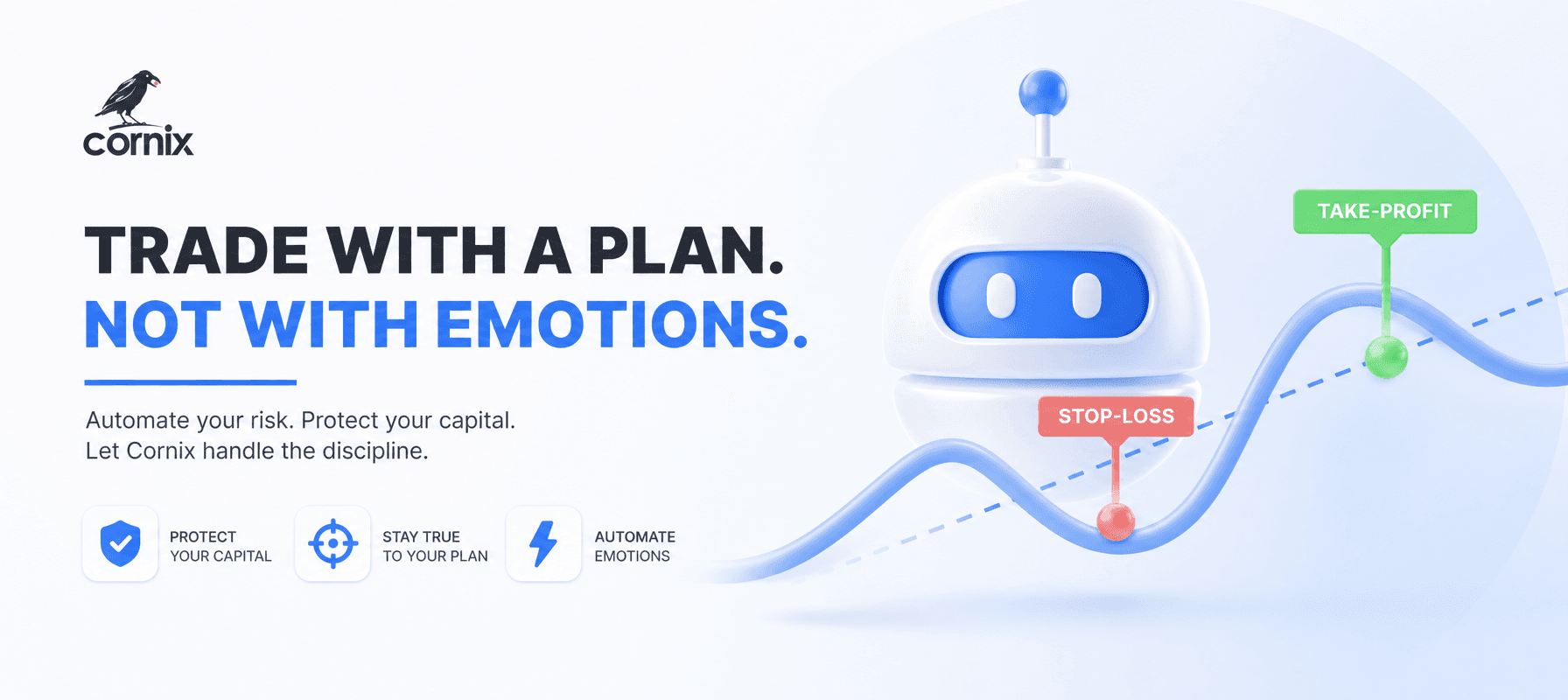
Cornix supports Market or Limit stop-type selection in Signals Bots where the connected exchange permits both. With Limit selected, Cornix requires a limit price reduction, making the distance between trigger and sell limit an explicit configuration decision (conditional order guide).
The trigger starts an instruction, while the limit controls a fill
Imagine a hypothetical asset trading at $100. You want to sell if it falls to $90, but refuse a sale below $89. A stop-limit sell with those values waits for its trigger, then submits a limit instruction that can sell at $89 or higher. A fill at $89.50 satisfies the instruction; the order does not demand exactly $89.
An ordinary sell limit at $89 has a different meaning. With buyers offering around $100, it can execute immediately because those offers already exceed your minimum. The stop adds the waiting condition that the ordinary limit lacks. Read the limit order examples if you need to separate an acceptable price from a conditional activation.
A fast move can leave the sell order behind
Suppose the $90 stop activates, but available bids move to $87 before the $89 limit can match. Selling at $87 would violate your instruction, so the order cannot complete against those bids. If acceptable buyers return later, execution may become possible. Until then, the trigger has occurred but the intended exit has not.
A triggered order can also fill only part of its quantity. Available trading activity may be enough for some units but insufficient for the whole order. Coinbase Advanced exposes an order's filled percentage, status, fee, and timestamp, allowing you to distinguish a partial execution from a completed exit (order management guide).
For example, if a hypothetical order to sell 10 units fills only 4, the remaining 6 still need attention. Inspect the actual fill record before submitting a replacement. Record what sold, what remains, and whether the original order is still active; otherwise your next instruction may be sized for a position you no longer hold in full.
A buy stop-limit can miss a breakout
The same mechanism applies in the opposite direction. With an asset at $100, a hypothetical buy stop at $105 can activate a buy limit at $106. That limit is a maximum purchase price. If available sellers have already moved to $108, the order will not chase them above your ceiling.
Before submitting, translate the fields into one sentence: “After the trigger, buy this quantity for no more than my limit.” For a sell, use “sell for no less than my limit.” Keep the amount separate from both prices. This simple read-back reveals whether you intended a breakout entry, a conditional exit, or an ordinary waiting limit order.
The trigger-to-limit gap changes what you accept

For a sell, moving the limit farther below the stop permits execution across a wider price interval. It also authorizes a lower sale price. Keeping the interval narrow preserves a stricter floor, but gives a rapid decline less room before bids become unacceptable. Cornix uses its Limit Price Reduction setting to define that percentage distance (limit reduction guide).
Cornix documents a default reduction of 2%; that is a configuration default, not a universal recommendation. Choose a value by examining the resulting minimum price and whether that price still matches your plan. A wider interval does not change the quantity being sold or turn the trigger into an execution receipt.
For a hypothetical $1,000 sell trigger and 1% reduction, the price difference is $1,000 × 0.01 = $10; the resulting sell limit is $1,000 − $10 = $990. That is the minimum acceptable sale price after activation, not a promised fill.
Check activation and remaining quantity separately
Use this review sequence when a chart appears to have reached your stop. Keep the exchange order record open as you work through it, rather than inferring completion from a candle alone.
- Check the trigger basis. Kraken's stop-loss limit uses the last traded price. Match your observation to the price the venue actually monitors.
- Check acceptance and status. Find the submitted order, its type, amount, and timestamp. An open order and an executed trade are different records.
- Check the price boundary. Compare available prices with your buy ceiling or sell floor. For the basic fill rules and time-in-force choices, use the exchange trading rules.
- Check the remaining exposure. Read filled quantity before deciding to wait, cancel, or replace. Include that remaining amount in your exit plan; read the automated exit guide when coordinating stops with take-profit instructions.
Practice the two-stage behavior before enabling automation
Cornix Demo Account provides simulated funds and real-time market data without requiring an exchange connection. Cornix users can activate the Demo Trading toggle at the top of the dashboard, create a demo exchange account, and configure a bot in that environment (demo account guide).
Use the practice session to record the trigger, calculated limit, quantity, and resulting status. Compare your written instruction with the observed record, including an incomplete order if one occurs. Keep simulated observations separate from assumptions about live liquidity and execution. Start that configuration review through the Cornix registration page.
Frequently Asked Questions
Does a stop-limit order always incur maker fees?
No. Kraken treats a limit order that executes immediately as a taker order, with taker fees. A conditional trigger does not by itself determine fee treatment.
What happens if I close the position another way?
Kraken's stop-loss limit is not automatically linked to a specific position. If you close that position separately, cancel the outstanding stop-loss limit to avoid unintended trades.
Can I connect an exchange testnet to Cornix Demo Account?
Cornix does not support external exchange demo accounts or testnets through API connections. Cornix provides built-in simulated demo accounts instead.