Table of contents
- Connect a Paper Trading account
- Turn a crypto idea into a testable rule
- Practice entries, sizing, and exits
- Review every trade like an operating record
- Know what Paper Trading cannot prove
- Move from chart practice to automation testing
TradingView paper trading is the right first test when you have a crypto idea but have not yet proved that you can execute it consistently. It lets you practice with virtual funds in live market conditions, so you can test the full decision process without putting capital at risk. The useful goal is not to produce an impressive simulated return. It is to find out whether your entry rule, position size, exit plan, and recordkeeping still make sense when price is moving.
Start with one market and one repeatable setup. A vague plan such as “buy when momentum looks strong” cannot be tested fairly. A usable plan states the chart timeframe, the exact trigger, where the idea is invalidated, how much account value is at risk, and what closes the position.
Connect a Paper Trading account
Connect a Paper Trading account in four steps:
- Open a chart in Supercharts.
- Select Trade to open the available broker options.
- Choose Paper Trading, then select Connect.
- Confirm the virtual balance and account currency before placing the first simulated order.
TradingView makes Paper Trading available to all users, and its simulator can be used with crypto symbols as well as other asset types. If the trading panel is hidden, open it at the bottom of Supercharts and select Paper Trading from the broker list. See TradingView's Paper Trading connection guide for the current interface.
Before placing an order, set up the account as though it were a small live account. Choose a virtual balance that resembles the amount you could realistically commit, rather than a number so large that position sizing never feels consequential. Use a separate paper account for a different strategy or currency if that helps you keep results clean. Resetting an account deletes its history, open positions, and active orders, so export or review your records first. Paper Trading account currency guide
Do not use the simulator as a license to take oversized trades. If the position would be too large, too leveraged, or too stressful in a real account, it is not useful evidence of how your strategy would perform under your actual rules.
Turn a crypto idea into a testable rule
Write the test before you trade. For example: trade BTCUSD on a one-hour chart only after a close above a defined range and retest; risk a fixed percentage of the paper balance; exit at a preset stop or target; take no more than one new position per session. The rule does not need to be complicated. It needs to be specific enough that two different days do not produce two different interpretations.
Then decide what question this test is answering:
- Can I identify the setup? Use a chart rule and take only qualified entries.
- Can I place the planned order correctly? Practice the order type, quantity, and protective exit.
- Can I follow the process during a live session? Record every valid signal, including the ones you skip.
- Does the rule deserve deeper historical study? Use TradingView's Strategy Report or Bar Replay alongside paper trading, not as a substitute for it.
Keep the first sample narrow. Mixing several coins, timeframes, indicators, and discretionary exceptions means a winning streak tells you very little about which choice mattered.
Practice entries, sizing, and exits
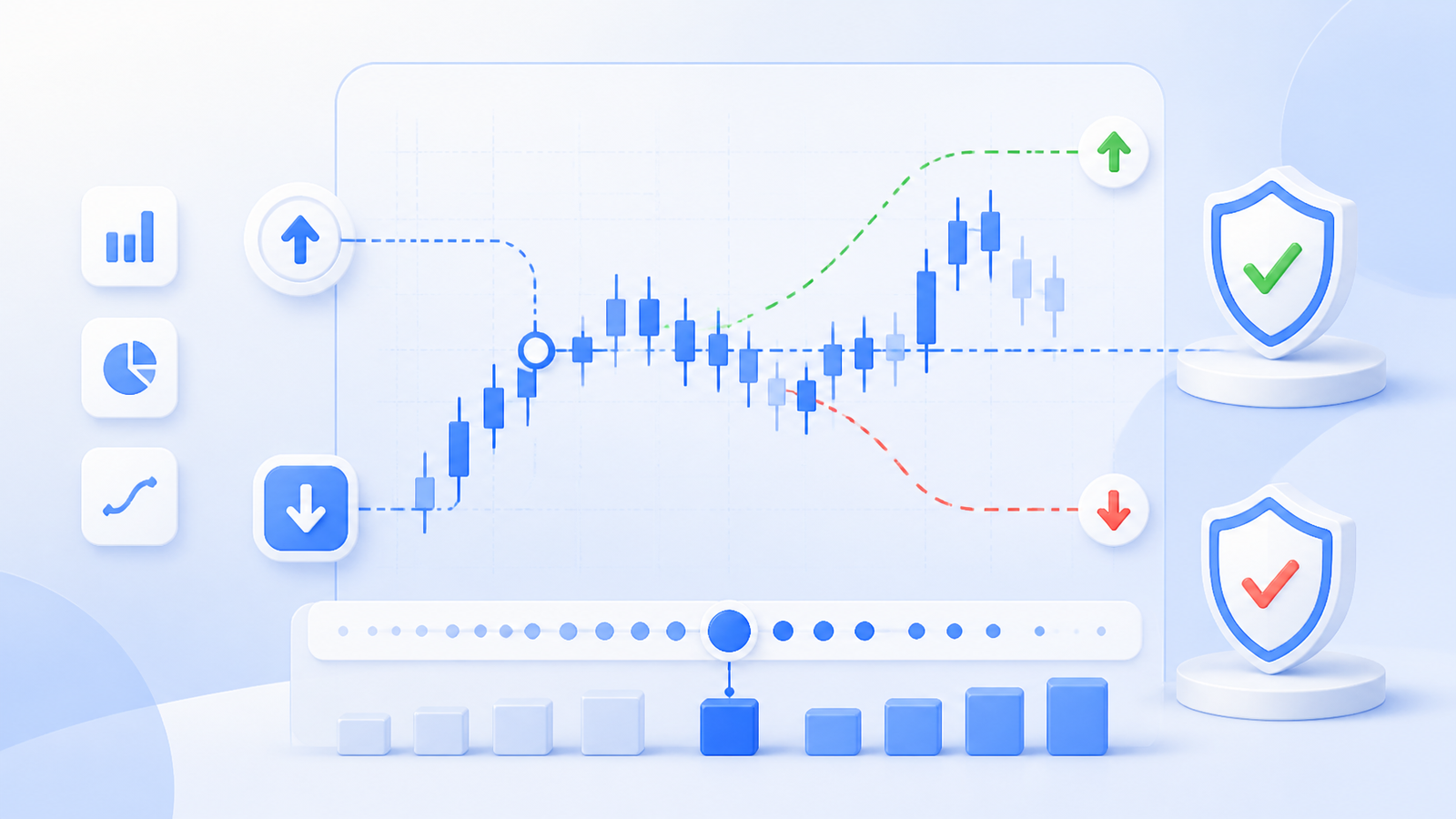
Use the paper-trading order ticket to rehearse the mechanics your plan requires. TradingView supports market, limit, stop, and stop-limit orders. A market order prioritizes immediate execution, while a limit order may not fill; stop and stop-limit orders add a trigger condition. TradingView order types guide
For each trade, enter the quantity from the risk you accepted before the entry, not from how certain the setup feels. The Paper Trading ticket can calculate quantity using units, currency, percentage of balance, or risk based on the stop-loss. It also allows take-profit and stop-loss settings on market and limit orders. TradingView order ticket guide
That makes paper trading valuable for testing behavior, not merely direction. Practice placing a limit entry that never fills. Practice a stop that is triggered during a fast move. Practice closing part of a position without moving the remaining stop farther away. Those are ordinary execution decisions that a screenshot of a successful chart cannot test.
Review every trade like an operating record
At the end of a session, review the position rather than judging it only by profit or loss. TradingView's Account Manager shows current positions and orders, plus filled, rejected, and canceled orders, closed-position history, and a trading journal. TradingView Account Manager guide
Use a simple review template:
- Setup: Was the entry allowed by the written rule?
- Risk: Was the size consistent with the planned loss if the stop was reached?
- Execution: Did you use the intended order type and attach the intended exits?
- Management: Did you alter the plan after entry? If so, why?
- Result: Did the trade reveal a rule problem, an execution mistake, or normal uncertainty?
A strategy with ten disciplined losses can provide more useful information than a strategy with ten profitable trades taken for different reasons. Review at least a meaningful run of comparable examples before changing a rule. If you change the trigger, sizing, or exit method, start a new test set instead of quietly combining results.
Know what Paper Trading cannot prove
Paper Trading uses virtual funds, so it cannot reproduce the emotional pressure of risking money. It also cannot establish that a strategy will succeed live. Treat simulated fills as a rehearsal of your workflow, not a promise about future prices, liquidity, fees, or execution on a particular crypto exchange.
This distinction matters most for automated strategies. A historical report and a paper trade can show how a rule behaves under their stated assumptions. Live orders can still be partially filled, skipped, or executed at different prices when liquidity and market movement intervene. Cornix notes similar limits in its backtesting guidance, including the gap between 15-second backtesting checks and millisecond live exchange activity. Cornix backtesting assumptions
Move from chart practice to automation testing
When your TradingView rule is explicit and you can follow it manually, test the connection between the alert and the intended action separately. A webhook is a delivery step, not proof that the strategy is sound. The relevant questions are whether the right alert reaches the right bot, with the intended symbol, amount, entries, exits, and stop conditions.
Cornix provides a distinct simulated Demo Account with TradingView Bots, so you can test that automation path without connecting an exchange API key. Its demo TradingView Bot requires the designated demo webhook URL, not the live-environment URL. For the broader alert-to-order workflow, see the TradingView webhook automation guide.
Selection principle: use TradingView Paper Trading to prove that you can execute one clear crypto process with discipline. Use a separate automation demo only after that process is clear, and move to live trading only when you understand the remaining execution risks. Explore Cornix TradingView Bots to understand the product workflow, then open Cornix Dashboard when you are ready to rehearse an alert-driven strategy in a simulated bot environment.
Frequently Asked Questions
Is TradingView Paper Trading good for testing crypto strategies?
Yes, for practicing a written strategy with virtual funds in live market conditions. It is especially useful for testing order placement, position sizing, exits, and whether you follow your rules. It cannot prove live profitability or reproduce every exchange execution condition.
How do I start Paper Trading on TradingView?
Open Supercharts, click Trade, select Paper Trading, and choose Connect. You can then place simulated orders from the order ticket, chart, or depth-of-market interface. TradingView Paper Trading guide
Should I use Paper Trading or Strategy Report first?
Use both for different questions. Strategy Report examines how a TradingView strategy would have behaved on historical data. Paper Trading lets you practice making and managing trades in current market conditions. A rule that looks promising historically still needs a disciplined execution test. TradingView demo features guide
Can TradingView Paper Trading test my crypto bot?
Not by itself. It tests your manual chart-based process inside TradingView. To test an alert-driven bot workflow, use the automation provider's own simulated environment and confirm the alert, webhook, bot settings, and destination account together. Cornix offers demo TradingView Bots for that separate test. Cornix Demo Accounts