
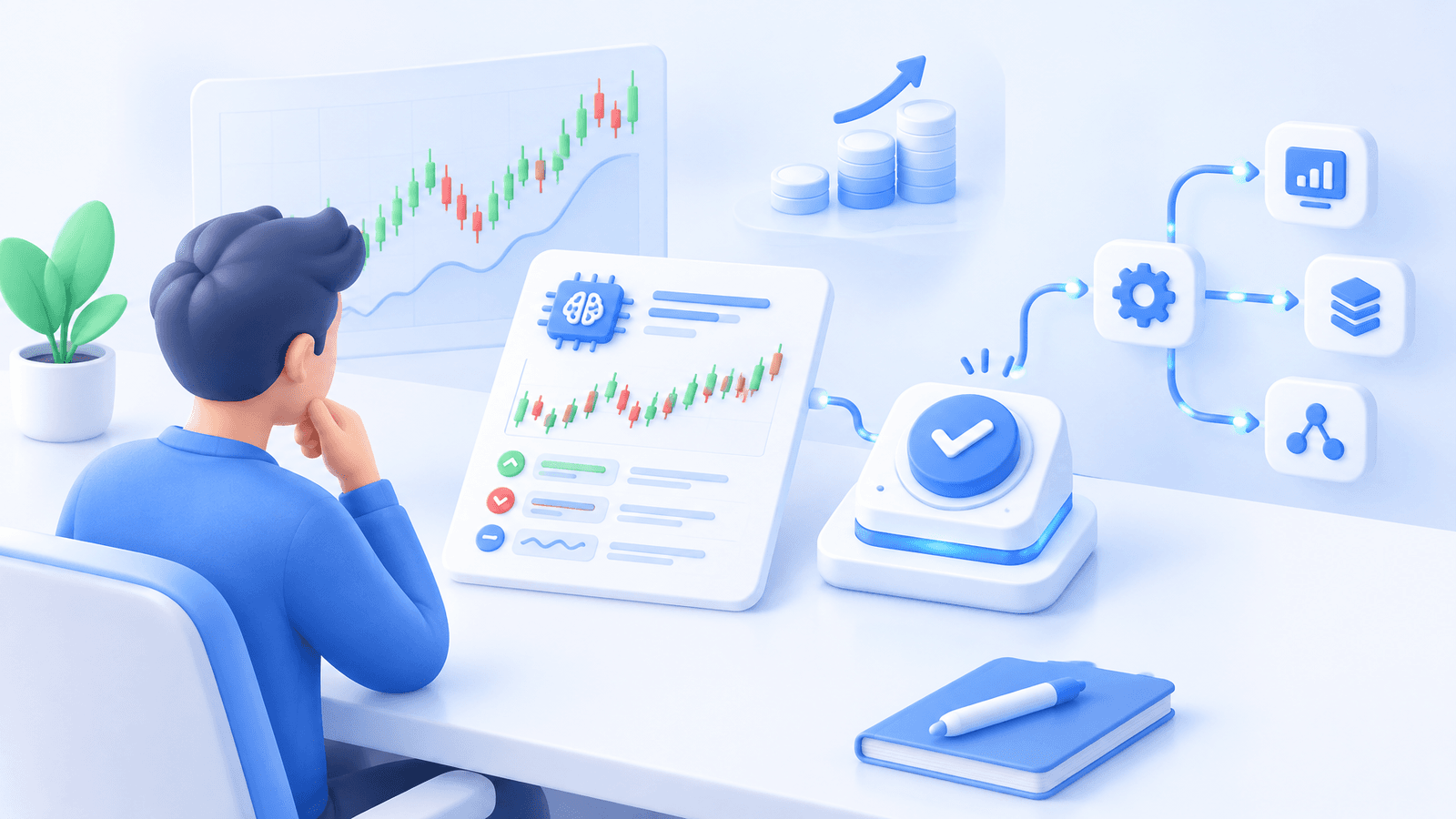
Crypto Trading with AI: What It Can Automate and What Traders Still Control
Table of contents
- What AI can do in a crypto trading workflow
- What traders still control
- Choose AI assistance around the input you already trust
- Use a review gate before any live change
Crypto trading with AI is most useful when it reduces repetitive research and configuration work without obscuring who owns the trading decision. Treat AI as an assistant for turning a clear request into something you can inspect, not as a source of market certainty.
Cornix MCP connects an MCP-enabled assistant to the Cornix workspace and tools you authorize, so it can help investigate account activity, prepare automation concepts, compare changes, and present results for your review.
What AI can do in a crypto trading workflow
AI is well suited to tasks that begin with information you already permit it to use. It can help turn a question such as “Which active automations need review?” into a structured investigation, summarize changes in configured results, or organize a proposed setup around limits you specify. The practical gain is less time translating an idea across account pages, bot settings, and trade records.
With Cornix MCP, the assistant works through a defined connection scope and prepares the outcome for inspection in Cornix. For example, you might ask it to flag automation whose recent behavior differs materially from its settings, compare changes since a chosen date, or map out a gradual accumulation configuration with a stated weekly cap. The trader still inspects the prepared result and decides the next action.
That boundary matters because an AI response can sound confident even when the underlying request is vague. The CFTC warns that promoters use AI claims alongside automated algorithms, signal strategies, and crypto schemes that promise unreasonable or guaranteed returns. No AI tool can predict sudden market changes or turn a trading bot into a money machine (CFTC AI trading-bot advisory).
What traders still control

Before AI assists with a configuration, define the instructions it is allowed to organize. A usable brief names the market or account, the trigger or strategy input, position sizing, total planned exposure, exit logic, and the condition that pauses or stops the workflow. If you cannot state those choices clearly, AI may help surface questions, but it cannot safely supply the missing judgment.
You also retain responsibility for the source of a trade idea. A signal can be automated after you decide whether the provider, allocation, and loss behavior fit your plan. Cornix Signals Bots can detect new signals from connected supported Telegram or Discord groups, place matching orders on the exchange account, and track subsequent changes to the original signal. That automates handling, not due diligence on the signal source (Cornix Signals Bot guide).
Account access is another decision that should not be delegated casually. Cornix uses exchange API credentials to read relevant account data and place, update, or cancel orders when the required permissions are granted. Its guidance says trading requires read and trading permissions, while withdrawal permission should not be enabled. Check permissions at the exchange and revoke access if you suspect exposure (Cornix API-key permissions guide).
Choose AI assistance around the input you already trust
AI does not replace the automation method. It can help you monitor or prepare work around the method that actually produces the trade instruction.
For chart-based rules
Use a TradingView workflow when your trigger already lives in an alert, indicator, or Pine Script. Cornix TradingView Bots execute preconfigured trades when connected TradingView alerts fire, with configurable entries, stop-loss, and take-profit settings. Here, the key control is the alert logic: an unclear, duplicated, or outdated alert is still an instruction that can reach a live account.
AI can help you phrase a testing checklist or review whether the proposed bot settings match a written strategy. It should not silently rewrite the alert logic or convert a discretionary market observation into unattended execution. For the alert-to-bot connection itself, Cornix documents a webhook workflow and distinct webhook endpoint for demo TradingView bots (TradingView alert connection guide).
For rules-based position management
A DCA bot is appropriate only when staged entries, total committed capital, stop behavior, and restart conditions are intentional. Cornix Smart DCA Bots can use configured entries and exits, and an active bot may begin a new trading cycle after a trade closes unless its advanced settings say otherwise. That makes the full sequence of potential entries more important than the size of the first order (Cornix Smart DCA Bots guide).
A Grid Bot is built around a defined price range and a chosen number of price levels for potential buy or sell orders. Cornix presents the configuration with the account, symbol, range, grids, and estimated order view. AI can help organize your assumptions, but you must decide whether the market still suits the range premise and when to deactivate the bot (Cornix Grid Bot setup guide).
For communities and managed workflows
Trading-community admins and asset managers can use AI to make review work more consistent, such as preparing a summary of bot activity or clarifying a proposed configuration before it is shared. Cornix documents TradingView to Signals Bots for admins and managers who want to generate and publish structured channel signals from TradingView alerts. The accountability for the strategy, channel controls, and member communication remains with the operator (TradingView to Signals Bots guide).
Use a review gate before any live change
The strongest AI-assisted workflow has a visible handoff: ask, prepare, inspect, then approve or decline. Cornix MCP is designed around that pattern. The connection scope defines what the assistant can access, consequential changes are surfaced for inspection, and MCP does not relocate assets or add withdrawal capability.
Run a small operational test before trusting a new live workflow. Confirm the account, market type, sizing, entries, exits, stop condition, notification path, and shutdown action. Cornix Demo Accounts provide a simulated environment with Signals, DCA, Grid, and TradingView bots, without requiring an exchange API connection. A demo can reveal configuration and monitoring mistakes, but it cannot establish future profitability or duplicate every live fill, liquidity, or slippage condition.
For the wider execution chain, use the automated crypto trading guide to separate strategy input, bot configuration, exchange permissions, and market execution. That separation makes it easier to identify whether a problem came from the rule, the automation settings, the connection, or live exchange conditions.
Selection principle: use AI to make a defined crypto workflow easier to investigate, configure, and supervise. Keep strategy selection, exposure limits, API authority, and final approval with the trader.
When your process is written and you want a permissioned path from request to reviewable configuration, Explore Cornix MCP.
Frequently Asked Questions
Can AI trade crypto for me?
AI can assist with research, monitoring, and preparation, while a configured automation workflow can send authorized orders to an exchange. You remain responsible for the strategy, account permissions, risk limits, and approval of consequential changes. Cornix MCP is designed to keep those changes visible for trader inspection.
Does Cornix MCP have access to my funds?
Cornix states that MCP is an additional interface to the Cornix data and tools permitted for its connection. It does not change Cornix's custody model or add withdrawal capability. API permissions at the exchange still determine what a connected trading workflow can do. Learn more about Cornix MCP.
Can I use AI with TradingView alerts?
Yes. AI can help you review a written alert-driven workflow, while Cornix TradingView Bots can execute preconfigured trades from connected TradingView alerts. Test the webhook, alert message, account, sizing, and exit settings in a demo workflow before using live capital (Cornix TradingView Bot overview).
How should I test an AI-assisted crypto bot setup?
Test the complete path in a simulated environment: the request or alert, prepared configuration, selected account, order settings, monitoring view, and pause procedure. Cornix Demo Accounts include simulated Signals, DCA, Grid, and TradingView bot workflows that can be copied to the live environment after review (Cornix Demo Accounts guide).
Related Articles

Advanced Crypto Trading Strategies – from Zero to Hero (part I)
Learn how moving averages and TradingView tools can enhance your crypto trading strategies.
How to Choose the Best Crypto Trading Bot for Your Strategy
Choose the best crypto trading bot for your strategy. Compare Cornix Signals, Grid, DCA, and TradingView bots, then start with the workflow that fits you.
Day Trading Crypto: Ultimate Guide for Beginners
A practical introduction to day trading crypto, from choosing a setup and controlling risk to testing automation without mistaking it for a shortcut.