Table of contents
- Cryptohopper alternatives at a glance
- Choose your trading approach
- Compare exchanges and account connections
- Try the strategy before trading live
- Compare plans and total cost
- Before connecting an account
- Try your trading workflow with Cornix
Looking for Cryptohopper alternatives? Compare how you want to use a strategy, not just how many bot types a platform lists. With Cornix, you can configure your own DCA or Grid setup, execute compatible Telegram and Discord signals using your settings, or connect TradingView alerts. Its manual Trading Terminal and dedicated Asset Manager solution support individual trades and client portfolios too.
Start with the trading approach you want to use, then compare exchange coverage, testing, account capacity, and total cost. This guide shows where Cornix fits alongside Cryptohopper and other alternatives, so you can choose based on the tools you will actually use.
Cryptohopper alternatives at a glance
Use this comparison to match each platform to your trading needs. Exchange coverage and plan allowances can change, so check the specific markets and capacity you intend to use.
| Platform | Trading focus | Account or strategy model | What to check |
|---|---|---|---|
| Cornix | Traders configuring bot strategies or combining channel signals with their own trades | User-configured bots on connected exchanges; dedicated client-account plan | Supported exchanges and plan for your account structure |
| Cryptohopper | Marketplace strategies and configurable bots | Provider-led and self-configured options | Testing scope and marketplace costs |
| 3Commas | DCA, Signal, Grid, webhook, or Pine Script execution | API keys and futures access vary by tier | Required API-key count |
| Bitsgap | Grid and DCA bots with tiered backtesting | Bot counts and test windows vary by plan | Needed bots and test period |
| Pionex | Bots built into an exchange account | Custodial exchange model | Required market availability |
| WunderTrading | Multi-exchange API trading | Bot and market support varies by venue | Exact exchange-market combination |
Several platforms here support multiple trading approaches. Cornix is worth evaluating for the way you can configure entries and exits, use compatible community signals, and oversee client accounts through its dedicated plan. Use the table to match those tools to your own trading routine, not to predict returns.
Choose your trading approach
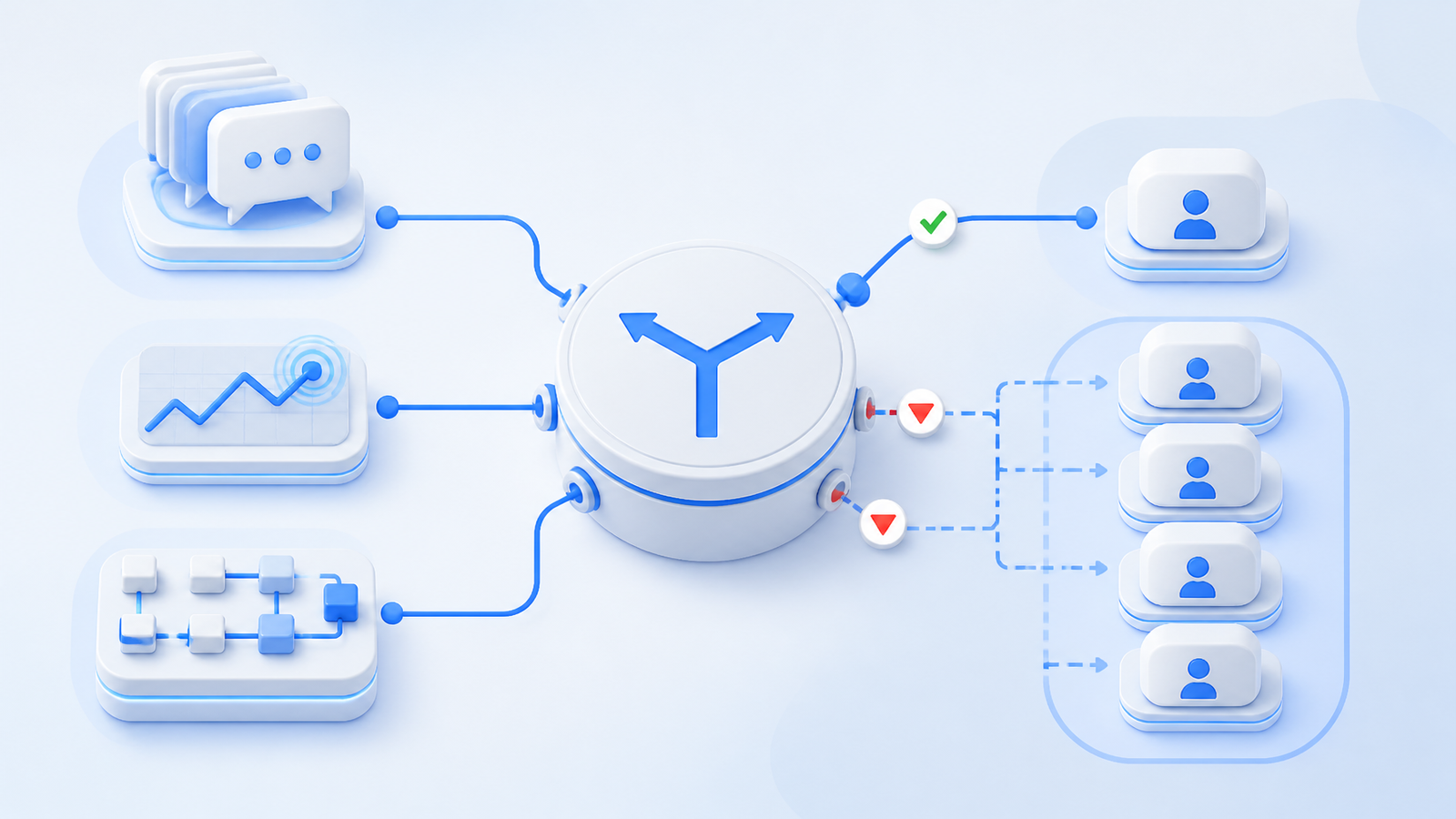
External signal followers and channel operators: Cornix Signals Bots turn compatible Telegram and Discord signals into trades using your own trade settings. Channel administrators can also publish signals through Cornix, giving communities a repeatable way to share setups while subscribers control their own allocation.
Copying trades versus configuring a bot: Cryptohopper's Copy Bot mirrors a seller's trades proportionally to your portfolio. In Cornix, copying a public DCA bot gives you a configuration to review and adapt, rather than a live portfolio to mirror. For example, you can review its additional-order settings and adjust the allocation before running your copy. Cryptohopper also offers self-configured trading bots, so this distinction applies to these particular workflows, not every feature of either platform.
TradingView and self-defined automation: Cornix TradingView Bots connect your chart alerts to automated execution on supported exchanges. This lets you bring your own strategy into the same platform you use for other bot types. 3Commas also supports webhook-driven execution; compare account capacity and market support for the setup you need.
Configured Grid or DCA bots: Cornix DCA Bots let you configure a sequence of entries and exits, while Grid Bots automate orders across a defined price range. Neither requires a signal-channel subscription. Bitsgap and 3Commas also offer Grid and DCA bots. Pionex takes a different route, with bots operating inside its own exchange environment rather than on your separately connected exchange accounts.
Professional multi-account oversight: The dedicated Cornix Asset Manager solution brings client-account monitoring and bulk management for supported trades and bots into one place. Clients keep funds in their own exchange accounts while managers oversee trading through Cornix.
You do not have to commit to just one approach with Cornix. You might run a DCA setup on one pair, use TradingView alerts for another, and create a manual trade through the Trading Terminal. Keep each strategy's allocation and exit rules clear as you expand.
Compare exchanges and account connections
Exchange count alone can conceal important differences. Check the Cornix supported exchanges for the spot or futures market you need. When moving an existing strategy, confirm the pair and market are supported on your intended account rather than assuming that an exchange connection covers every market.
WunderTrading's exchange compatibility matrix also separates markets and integrations. Across all platforms, check the specific bot and market combination you need rather than relying on an exchange logo alone.
Pionex uses an exchange-native model, with funds and bots inside its exchange environment. Cornix and other API-connected platforms work with supported external exchange accounts. That distinction matters if you want to keep using an exchange where you already trade.
Try the strategy before trading live
Cornix offers strategy backtesting and a Demo Account with simulated funds. Use demo trading to learn how your entries, exits, and bot controls behave before moving to live trading.
Testing tools differ in what they reproduce. Cryptohopper's Backtester documentation sets out its access and strategy restrictions, while other platforms tie testing depth to their plans. Check whether a tool can test the actual bot settings or alert-driven approach you intend to use.
Backtests and demos help you evaluate a setup, but they do not guarantee future results or reproduce every live fill. Keep the test focused: one strategy, a defined allocation, and clear exit rules.
Compare plans and total cost
Compare the plan that can run your intended setup, not just the lowest advertised price. The 3Commas plan comparison distinguishes connected-account capacity, bot allowances, and testing access. Those limits matter when several exchange accounts or strategies are involved.
The Bitsgap plan comparison likewise separates active Grid and DCA bot allowances and backtesting windows. Include exchange fees and any paid signal or marketplace subscriptions in the total cost, and distinguish annual-billing prices from monthly subscriptions.
For exchange-native bots such as Pionex, include exchange trading and product fees when comparing costs with a separate automation subscription. The Cornix free trial gives new users 14 days to explore DCA, Grid, and TradingView bots, signal-channel automation, backtesting, and demo activity without payment details. Choose the ongoing plan that matches the bots and accounts you want to run.
Before connecting an account
Choose the exchange, market, bot type, and allocation for your first setup. Confirm the plan supports those requirements, then use a demo to become familiar with the controls before expanding.
For a live API connection, follow your exchange's security requirements, grant only the permissions needed to read account data and trade, and leave withdrawals disabled. Keep an allocation limit and review active strategies as market conditions change.
Try your trading workflow with Cornix
If you are moving from a provider-led setup toward rules you configure yourself, start by building or adapting one Cornix DCA bot and testing its allocation and exits in demo mode. If you want to keep following a community, try a compatible channel with your own Signals Bot settings. For client portfolios, explore the dedicated Asset Manager solution instead of treating multiple personal bots as a substitute for account management.
Start your Cornix free trial and put your trading workflow into practice.