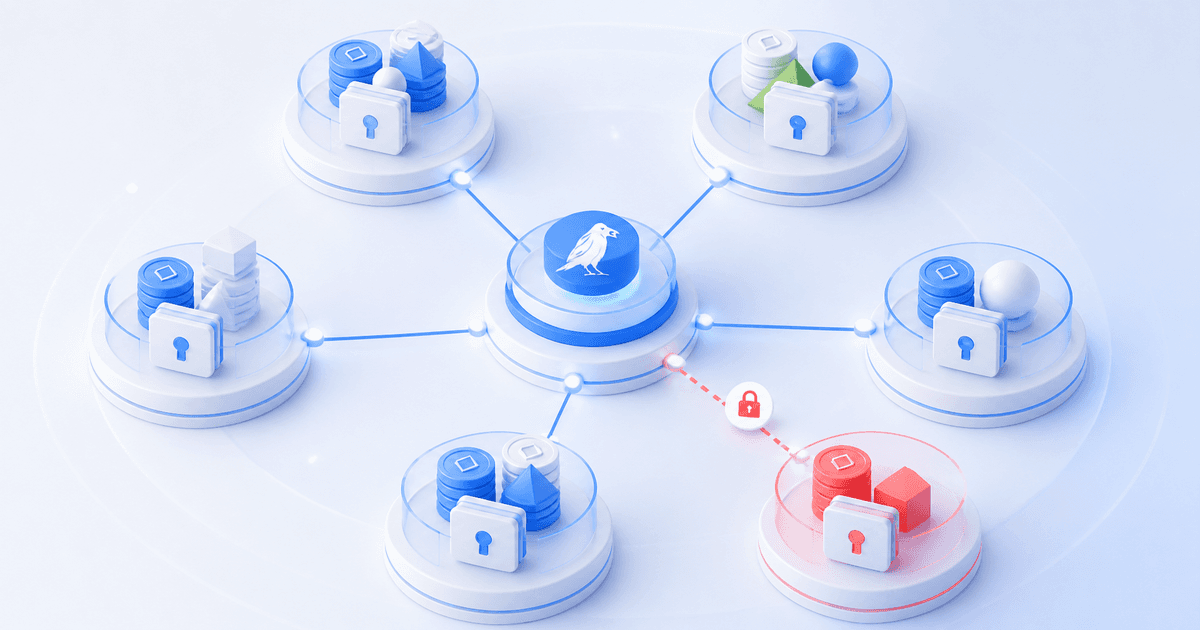
A white-label trading platform lets you offer trading tools and account views under your own brand. The Cornix white-label crypto asset management platform combines a branded client experience with multi-account trading automation and portfolio monitoring. This guide explains the capabilities to evaluate for your service.
Table of contents
- Quick evaluation checklist
- Start with the control model, not the branding
- Test the complete branded client experience
- Test onboarding and API-slot usage
- Verify exchange and API compatibility before sales promises
- Match automation coverage to your service promise
- Check monitoring and error handling
- Calculate the total cost and plan the exit
Your clients will judge the experience by who can act on an account, how safely they connect it, what they can see, and what happens when a trade or subscription needs attention.
Choose a white-label crypto platform when you need a branded client experience, a repeatable way to connect exchange accounts, and tools that support the service you offer. Use the checklist below to test each provider against those needs.
Quick evaluation checklist
Use these questions to compare providers and record the results of your pilot:
- Permissions: Who can create, edit, and close trades within the platform? Confirm separately what clients can still do directly on their exchange.
- Branded pages: Which onboarding, bot, portfolio, and trade pages use your domain and branding? Walk through the complete client journey.
- Automation: Which bot types and signal sources are supported, and which actions can you perform across multiple accounts at once?
- Exchange compatibility: Does the platform support each client's exact exchange, regional entity, account type, and market?
- API slots: How many connections does the base plan include, and when do additional connections consume another slot?
- Price: What are the base subscription, extra-slot, setup, and support costs for your expected account count?
- Monitoring and exit: How will you detect failed connections, reconcile positions, revoke access, and handle subscription expiry?
Start with the control model, not the branding
The biggest distinction is whether the operator or the client can change live trading activity within the platform. For discretionary managers, read-only client visibility may match the promised service: clients can monitor activity, while the manager owns execution decisions. For signal communities, members may need to edit configurations or close their own positions. These are different services, not cosmetic variations.
Cornix offers two plans for these services. The Asset Manager plan and Community Admin plan differ primarily in the permissions available to clients:
| What to compare | Asset Manager | Community Admin |
|---|---|---|
| Intended audience | Managers trading on behalf of clients | Signal providers and trading communities |
| Client permissions within Cornix | Read-only or no access; the manager retains write permissions | Members can create, edit, and close their own trades |
| Starting monthly price | $149.90 | $219.90 |
| Included capacity | 10 Primary API Slots | 10 Primary API Slots |
| Pages under a custom subdomain | Signals Bots, Signals Page, Dashboard, Portfolio, and Trades | Signals Bots, Signals Page, Dashboard, Portfolio, and Trades |
| White-label setup fee | Included; no additional setup fee | Included; no additional setup fee |
These permissions apply within Cornix; clients can still manage their accounts directly on the exchange. Check current plan terms before purchase and confirm that the permissions fit your client agreement.
A poor fit has a predictable consequence. Giving a client write access in a manager-led service can blur accountability during a volatile market. Withholding write access in a self-directed community can create support tickets and intervention requests that your service was never designed to handle. Explain these permissions in your client terms and onboarding messages.
Test the complete branded client experience
A real branded trading platform should cover the pages clients use during the relationship, not only the login screen. Ask which areas can appear on your custom subdomain, where your display name and logos appear, and whether you can restrict the exchanges presented to new clients. That determines whether the experience feels like a coherent service or a collection of third-party steps.
For example, Cornix’s Asset Manager documentation describes white-label support for Signals Bots, Signals Page, Dashboard, Portfolio, and Trades under a custom subdomain. Its Asset Manager settings also let an operator select which exchanges clients may connect, while displaying branding on secure invites and invoices. Clients see only the exchanges your team is prepared to support.
Both Cornix plans include the white-label infrastructure in the base subscription, with no additional setup fee. You still need to configure a CNAME record for your custom subdomain and contact Cornix support to complete the domain and logo setup. Before launch, check the domain, logos, and browser title, then confirm that an invited client can complete onboarding without help.
Test onboarding and API-slot usage

The best onboarding path avoids asking clients to send API keys to a manager or community administrator. Instead, test the exact invite experience from the client’s point of view: invitation delivery, exchange selection, account-type selection, API connection, permission explanation, confirmation, and revocation.
Cornix’s secure client invite guide lets clients connect an exchange account through an invitation without publicly sharing API keys with the operator. A single slot covers one user connection, although multiple sub-exchanges can use one slot only when connected together during the initial invite flow. A later exchange connection requires a new invite and consumes another slot. Count the connections each client will need when estimating API-slot capacity.
Secure Client Invites support live exchange accounts only; demo accounts cannot be connected through this flow. Invite links expire 24 hours after creation, so coordinate the test with each client and create a new link if one expires.
Use a small pilot group to test three cases: a straightforward new client, a client who needs spot and futures connections, and a client who needs access removed. Cornix’s client guidance says API access can be revoked from the exchange by deleting the relevant key. Your own process should record who requested removal, when the request was completed, and who confirmed that no automated workflow remains active.
Verify exchange and API compatibility before sales promises
“Exchange support” is too broad to be useful. Verify the exact venue, region, account type, and market your clients use. A platform can support an exchange’s futures connection while your client expects spot, inverse products, or a regional entity that is not available.
As of September 3, 2026, Cornix lists spot, futures, and inverse support that varies by exchange, and specifically lists some regional endpoints, including Binance.US and OKX.US, as unsupported. Use the current supported exchanges list to check compatibility before signing, then test the intended client setup rather than relying on a logo list.
API permissions are equally important. Cornix says its automated trading connections require reading and trading permissions, with additional futures permission where applicable, and advises leaving withdrawal permission disabled. The API key permissions guide should become part of your onboarding script and security review. Where the exchange supports it, evaluate IP restrictions or approved third-party connections as well. Confirm what each connection can do and how to revoke its access.
Match automation coverage to your service promise
A branded interface does not tell you what the platform can execute. For each service you offer, identify the bot or signal workflow that will deliver it. A manager publishing proprietary trade ideas may need a signal workflow. A strategy business built around chart alerts may need TradingView-based execution. A systematic product may require DCA or grid configuration and a method for managing many accounts consistently.
Cornix’s Asset Manager plan includes DCA, Grid, TradingView, and Signals Bots. It also supports signal intake through Telegram and Discord parsing, Personal Groups, TradingView webhooks, and manual signal creation. The plan documentation specifies that bulk creation and editing are available for DCA, TradingView, and Grid Bots, but not Signals Bots. Confirm which actions are supported before promising configuration changes across every strategy type.
That distinction affects staffing. The Asset Manager scaling guide describes duplicating a configured Signals Bot for each connected account, so allow time for setup and review. A DCA, grid, or TradingView-led service can use bulk configuration controls, but broad changes need approval rules and a check of the affected account set. Review the configuration before applying it across accounts.
Check monitoring and error handling
Client-facing portfolio views are useful, but operators need to identify what requires attention. During a pilot, inspect account connection status, open positions, trade records, filters, and the ability to distinguish platform trades from exchange positions. Make sure the team can explain an exception without opening every client’s exchange account.
Cornix provides centralized views of balances, connection status, assets, positions, and account-level trades. Its account monitoring guide explains that an invalid status can result from expired, deleted, or incorrectly permissioned API keys, while its position monitoring guide distinguishes Cornix trades from exchange positions that may combine activity in the same symbol. Use these views for daily monitoring, and reconcile the activity with exchange records and your own books.
Calculate the total cost and plan the exit
Calculate the total cost of the base subscription, additional API slots, setup time, support, and manual work when problems arise. Include the staff time needed to run the service you promise clients.
Beyond the 10 Primary API Slots included in each base plan, both Cornix plans offer additional capacity in increments of 10. Estimate how many connections your clients need, including accounts added after their initial invite, and check the applicable slot tier in the plan documentation.
For example, if you need 20 Primary API Slots, the monthly subscription cost is:
| Plan | Base subscription (10 slots) | 10 additional slots | Monthly total |
|---|---|---|---|
| Asset Manager | $149.90 | 10 × $15.00 = $150.00 | $299.90 |
| Community Admin | $219.90 | 10 × $22.00 = $220.00 | $439.90 |
These examples use the published monthly rates for the Asset Manager and Community Admin plans. They cover the subscription and API slots only; budget separately for your setup and ongoing operating costs, and confirm current pricing before purchase.
Ask what happens if you cancel, do not renew, or migrate. Cornix says that after a paid subscription expires, open trades are managed for a 48-hour grace period, then closed within Cornix while remaining open on the exchange. Accounts created before February 18, 2026 are an exception: they switch to the legacy Free plan, with existing trades continuing to be managed and new activity subject to Free-plan limits. The subscription-expiration guide is a reason to document a renewal owner, credential inventory, exchange-side position review, and client communication plan before launch.
Bring your expected client count, exchanges, and trading workflows to a provider demo, and ask the team to walk through onboarding, daily monitoring, and account removal. Review how Cornix supports multi-account crypto trading automation and client account monitoring and reporting, then book a demo with the Cornix team.
Frequently Asked Questions
What is a white-label crypto trading platform?
It is a trading and client-management environment that can be presented under an operator’s branding while connecting client exchange accounts and supporting the platform’s permitted trading workflows.
Should asset managers give clients write access?
Only if client intervention within the platform is part of the service design. Cornix’s Asset Manager plan restricts clients to read-only or no access within Cornix; granting write access requires the Community Admin plan. These permissions do not restrict clients’ ability to manage their accounts directly on the exchange. The choice changes accountability and support requirements.
What should I verify before onboarding clients?
Confirm the exact exchange, regional entity, account type, market type, API permissions, slot consumption, client access level, and account-revocation procedure. Test the complete invitation flow with representative client accounts before a broad rollout.
Does a white-label platform remove operational or market risk?
No. Branding and automation do not remove execution, API, market, or governance risk. They make it more important to define permissions, test bot behavior, monitor exceptions, and reconcile relevant activity with exchange records.