Table of contents
- Choose the platform model before comparing features
- Confirm your exact account and budget
- Inspect activation, changes, and shutdown
- Ask what happens when the connection fails
- Check whether you can reconcile and retain your records
- Use the same acceptance checklist for each platform
Choosing a crypto grid bot platform is different from choosing a grid strategy. Once you know the approach you want to run, the buying decision is about whether the software supports your exchange account, fits your budget, and gives you clear control over activation, changes, and shutdown.
This guide is a platform-selection checklist, not a ranking based on returns. For price ranges, order cycles, and market risks, read Crypto Grid Bots Explained. If you are still deciding between strategies, start with Grid Bot vs. DCA Bot.
Choose the platform model before comparing features
An exchange-native bot lives inside the exchange's own product. A connected third-party platform manages trading through a supported exchange connection. Neither model automatically offers better execution or makes a grid profitable. Compare the operating arrangements, not just the number of settings.
| Question | Exchange-native bot | Connected third-party platform |
|---|---|---|
| Where will you operate? | Check the exchange's bot interface and eligible accounts. | Check both the platform and the connected exchange account. |
| What access is involved? | Check the exchange account's security and bot permissions. | Also review the authorization, API permissions, and revocation process. |
| What will you pay? | Check bot-specific charges and exchange fees. | Check subscription limits as well as exchange fees. |
| Who resolves a problem? | Ask which exchange team handles bot and order issues. | Establish when to contact the platform versus the exchange. |
| Can you change venues? | Verify whether moving requires rebuilding elsewhere. | Verify each destination individually; multi-exchange branding is not universal compatibility. |
For example, if you use one exchange and need one simple grid, compare its native option before paying for a broader toolset. If you need several supported accounts in one interface, evaluate that workflow in a connected platform. These are shortlisting questions, not claims that every product in either category has the same capabilities.
Confirm your exact account and budget
Write down the exchange, regional entity, market type, and intended trading pair before starting a trial. General exchange support does not establish that a particular Grid bot configuration is available for your account. Cornix's supported-exchange documentation distinguishes account types and excludes some regional variants. Confirm the intended combination in the bot setup rather than relying on a logo on a landing page.
Cornix supports Quick Connect on supported exchanges and manual API connection. Follow the exchange-specific permission instructions. Ask how to revoke the connection, and do not enable withdrawal access for trading automation.
Next, price the setup you actually need. Compare active-grid limits, account or API-slot limits, billing frequency, and what happens when a subscription expires or a quota is reached. Cornix's billing and usage panel tracks active Grid bots and Primary API slots among its quotas. Check current allowances and pricing; do not assume a trial includes the same limits as your intended paid plan.
Use a simple monthly budget:
- Subscription and any required add-ons.
- Exchange fees for the expected filled orders.
- Any additional charges specific to your market or account.
- Time spent checking, changing, and reconciling bots.
As an illustrative cost allocation, a hypothetical 30-per-month subscription used for three bots costs 10 per bot per month before trading costs. With only one active bot, that same subscription costs 30 for its use. This is not Cornix pricing or a profitability estimate; it shows why unused capacity matters.
Inspect activation, changes, and shutdown
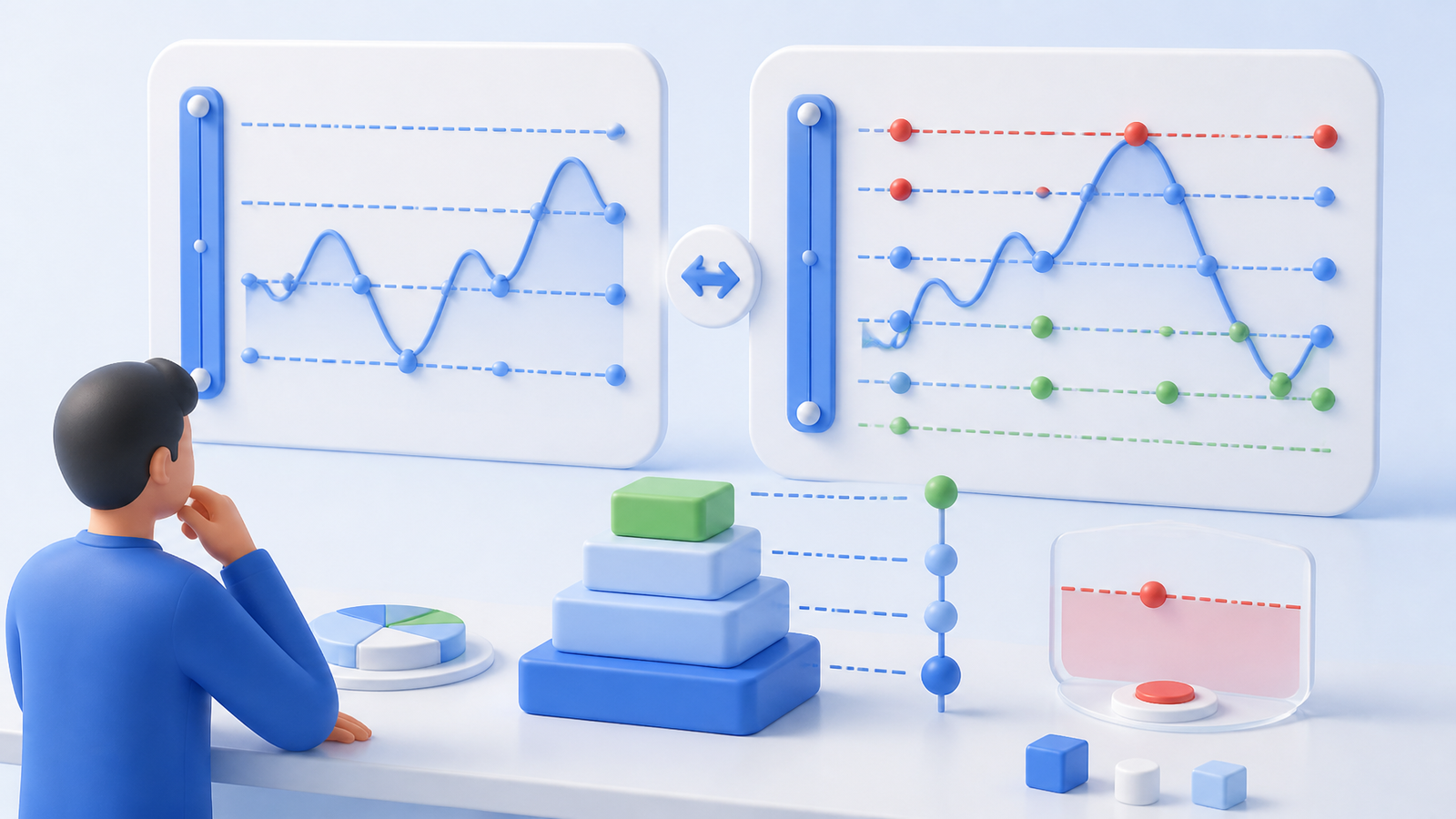
Ask to see the final activation preview. Does saving a configuration start trading, or is activation separate? How much may be bought immediately, and what is the total potential allocation?
Cornix distinguishes Bot Initial Amount, an estimated purchase at activation, from Bot Amount Value, the total potential amount. It also offers Create Only versus Create & Activate. These documented creation options are useful checkpoints: the buyer can inspect a configuration without treating saving and starting as the same action.
Changing a running setup deserves equal attention. Cornix's grid-management guide currently says Grid bot editing is unavailable; its suggested workaround is duplication with the desired changes. If replacing a bot, establish what happens to the old trade and orders before activating a replacement. A second configuration should not accidentally create overlapping exposure.
Ask the provider to distinguish these actions:
- Stopping new order activity.
- Cancelling outstanding orders.
- Closing the current position or selling remaining inventory.
- Deleting the configuration.
Do not assume a button labelled “deactivate” performs all four. Obtain the documented behavior for each action and confirm the resulting account state. Cornix specifically notes that manually closing a Grid bot's trade automatically deactivates the bot; that does not establish what every other shutdown action does.
Also inspect the stop's order type, baseline, and any delay. Cornix documents a stop-loss sell limit order and optional timeout in its advanced grid settings. A configured stop is not a promise of immediate execution or a guaranteed exit price.
Ask what happens when the connection fails
A purchasing demo should include questions about failure handling, not only a successful launch. Ask each provider:
- Which orders are already held at the exchange, and which future actions require the platform to remain connected?
- How are rejected orders, expired permissions, insufficient balances, and connection interruptions surfaced?
- Which alerts are available, where are they delivered, and do they require a paid tier?
- After reconnecting, how does the platform reconcile existing orders before sending new ones?
- What can you inspect or manage directly at the exchange if the platform is unavailable?
These are verification questions, not a claim that Cornix or another provider implements a particular recovery mechanism. Request documentation or a supported demonstration. Do not deliberately disconnect a funded bot to discover the answer.
Before subscribing, send support one concrete question about your intended exchange and shutdown workflow. Assess whether the answer identifies the relevant settings and escalation path. An advertised support channel alone does not establish response time or a service guarantee.
Check whether you can reconcile and retain your records
A dashboard is useful only if you can trace its figures to orders. Cornix documents realized PnL, active-trade estimated PnL, a timeline, and matched orders. It also notes that grid PnL uses LIFO accounting, which may differ from the exchange's method. See the monitoring documentation.
During evaluation, ask to trace one completed trade through quantities, fills, and fees. Then check how remaining inventory appears. For the detailed distinction between completed cycles and total exposure, use the existing grid explainer.
If you need downloadable records, verify the export format, date coverage, identifiers, fee fields, and access after cancellation. Do not infer CSV export or indefinite retention from the presence of an on-screen timeline. If the platform lacks a required export, establish whether the exchange's records meet your needs before committing.
Use the same acceptance checklist for each platform
Take this checklist into a trial. Record evidence rather than marking a feature present because its name appears on a sales page.
| Acceptance check | Evidence to collect |
|---|---|
| Exact account compatibility | Your intended exchange, market, and pair available in setup |
| Plan fit | Allowances and renewal cost for your intended bot and account count |
| Activation control | Preview of immediate exposure and a clear start confirmation |
| Configuration changes | Documented edit or replacement process |
| Shutdown | What happens to open orders and remaining holdings |
| Failure handling | Documented alerts, recovery behavior, and support route |
| Record access | A reconciled trade and any required export or retention policy |
Cornix's built-in Demo Account includes Grid bots without an exchange API connection. Use it to inspect configuration and interface behavior. It cannot establish how a real API interruption is handled or prove live execution quality. Keep those checks in the documentation-and-support portion of your evaluation.
Choose the platform that meets your required checks with the fewest unresolved questions. If a must-have answer is missing, resolve it before funding; a smaller position does not fix an unknown shutdown process. To evaluate Cornix against the same checklist, explore Cornix Grid Bots.
Frequently Asked Questions
Is an exchange-native grid bot better than a third-party platform?
Neither model is automatically better. Compare the exact accounts, costs, controls, and support you need. A connected platform introduces an additional authorization and operational relationship to evaluate.
Does deactivating a grid bot sell everything it holds?
Do not assume so. Ask whether deactivation stops new activity, cancels orders, closes a position, or leaves inventory. Verify the documented behavior for the specific platform and action.
Can I change a Cornix Grid bot after creating it?
Cornix's current grid-management documentation says editing is unavailable and suggests duplicating the bot with changed settings. Review the old bot's trade and order state before activating its replacement.
What should I check before paying for a grid bot subscription?
Confirm your account compatibility, active-bot and connection limits, full billing cost, shutdown procedure, and required record access. Use a demo for interface checks and documentation or support for live-only behavior.