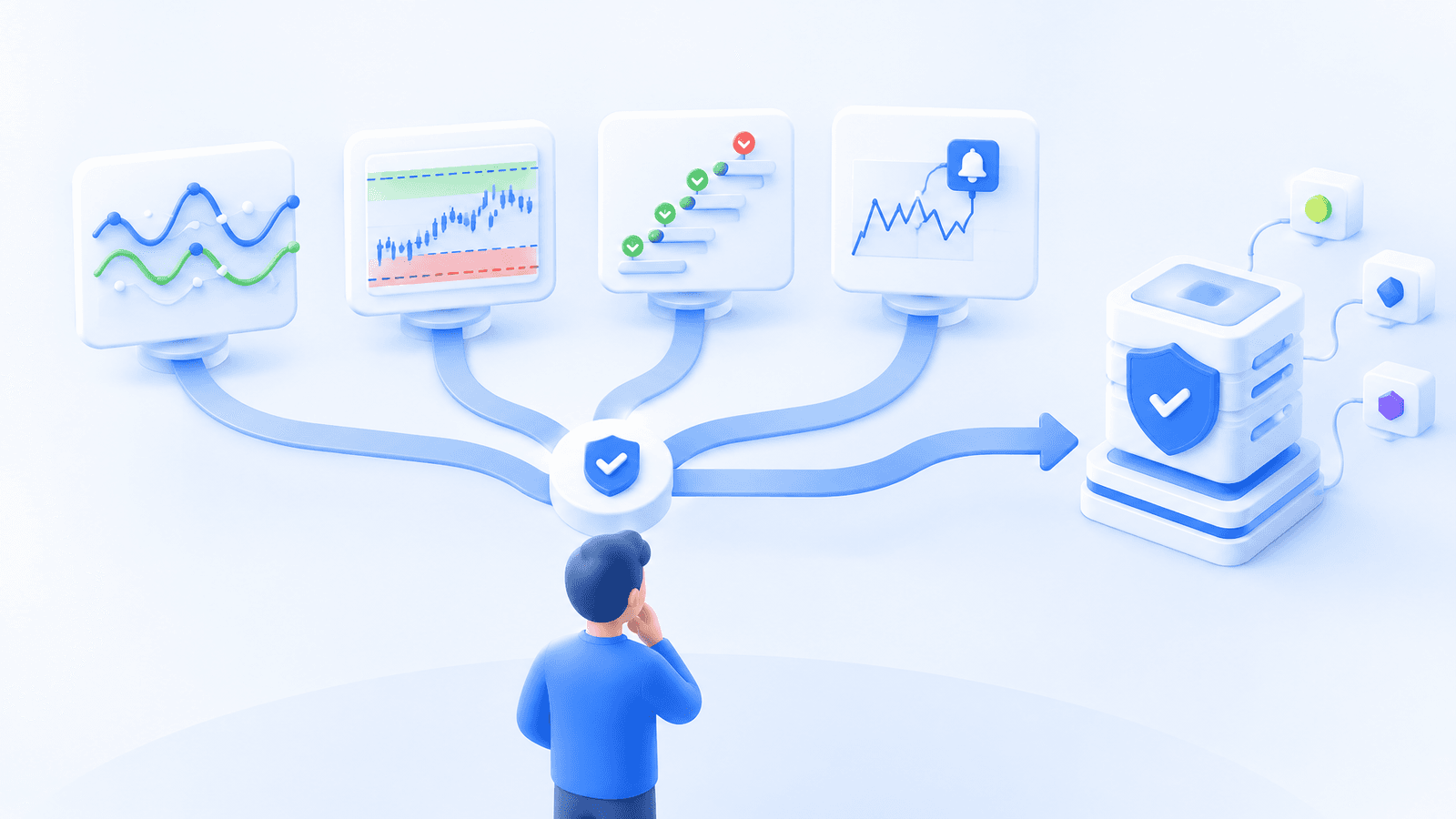
Table of contents
- Start with your trading strategy
- Compare Cornix bot types
- Connect your preferred exchange
- Choose the controls that matter
- Test your setup with a demo account
The best crypto trading bot is the one that matches how you want to trade. It should help you turn a clear strategy into consistent execution, manage entries and exits, and keep every active trade easy to monitor.
Cornix brings Signals, Grid, DCA, and TradingView bots into one platform. You can connect a supported exchange account, choose the workflow that fits your strategy, configure your preferred trading and risk settings, and manage your bots from one place.
Start with your trading strategy
The easiest way to choose a bot is to identify where your trade instructions come from and what you want Cornix to automate.
You may want to follow trade signals from an experienced community, automate your own TradingView alerts, build a position with planned DCA entries, or trade repeated price movements within a grid. Each approach has a different starting point, but Cornix gives you a dedicated workflow for all four.
Before creating a bot, decide on the market, trading amount, entry logic, take-profit targets, stop-loss settings, and any limits you want to use. Cornix then handles the repeatable execution according to the configuration you choose. You remain in control of the strategy and can monitor or update your bots from the Cornix dashboard and mobile apps.
If you also place or review orders manually, our guide to the Cornix Trading Terminal explains how the workspace brings charts, exchange accounts, order types, and trade controls together.
Compare Cornix bot types
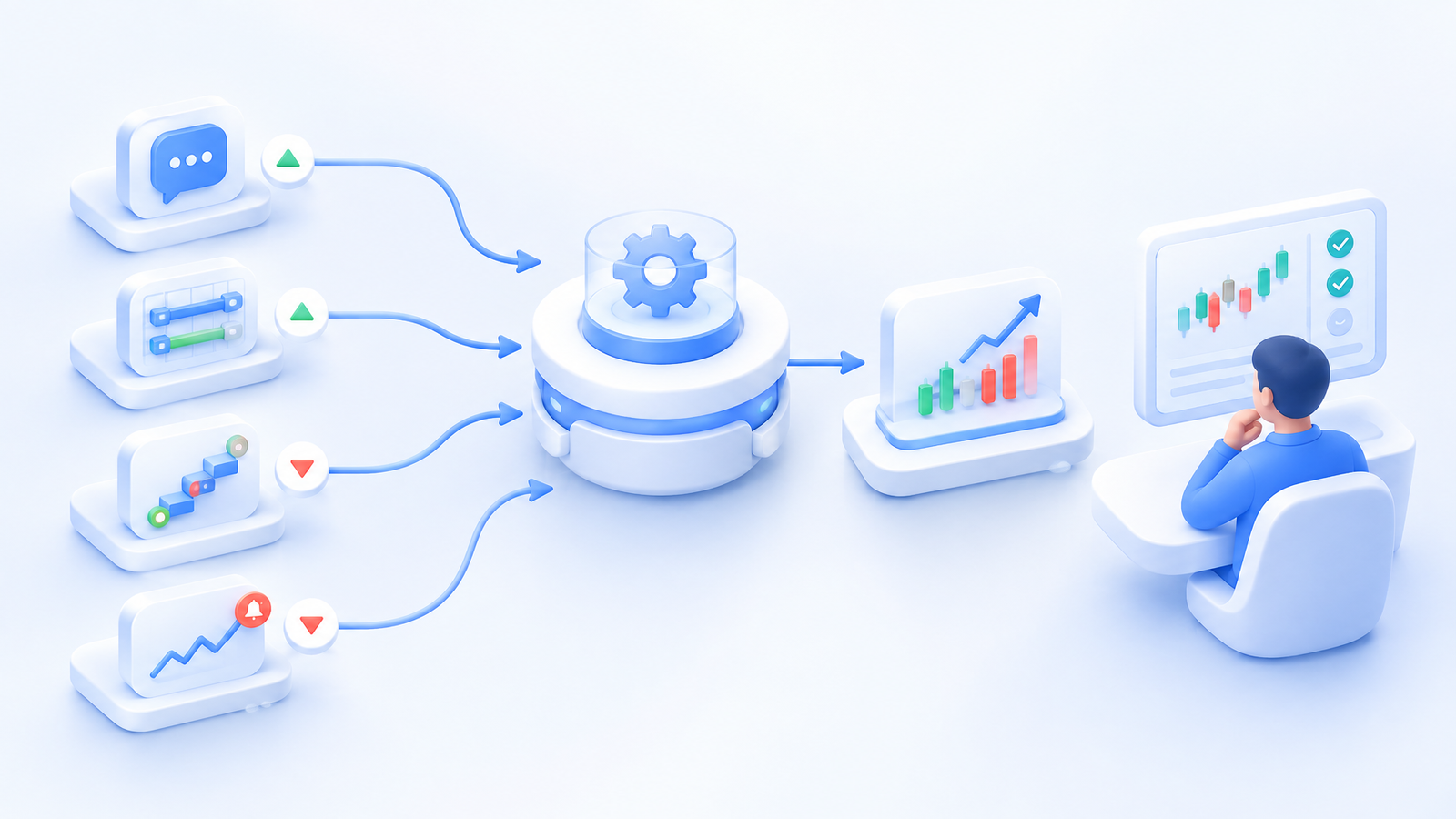
| Cornix bot | Best fit | What starts the workflow | What you configure |
|---|---|---|---|
| Signals Bots | Following supported signal groups | A channel signal | Trading amount, entries, exits, and risk settings |
| Grid Bots | Trading repeated movement within a range | Price reaches a grid level | Price range, grid levels, and amount per trade |
| DCA Bots | Building and managing a position through planned entries | Your bot rules | Entry orders, take profit, stop loss, and repeat behavior |
| TradingView Bots | Automating your own indicators or Pine Script strategy | A TradingView alert | Account, order settings, exits, and risk controls |
Signals Bots for automatic signal execution
A Cornix Signals Bot connects a supported signal group to your exchange account. When the group publishes a compatible trade signal, Cornix can create and manage the trade using the settings you selected.
This is a strong fit for traders who already follow a signal provider and want faster, consistent execution without manually copying every entry, target, or stop. You can use the provider's configuration or apply your own trading settings for greater control.
Grid Bots for range-based trading
A Cornix Grid Bot places buy and sell orders across a price range you define. It is designed for strategies that aim to benefit from repeated movement between grid levels.
Cornix lets you choose the trading pair, lower and upper boundaries, number of grids, and amount per trade. You can build the grid around your own price range and review the complete configuration before activation.
DCA Bots for planned position building
A Cornix DCA Bot automates a structured sequence of entries and manages the combined position according to your rules. It is useful when your strategy includes an initial order, planned additional entries, and a defined exit.
You can configure entry spacing, order sizes, take-profit settings, stop-loss behavior, and whether the bot should begin a new cycle after a trade closes. Cornix keeps the full sequence organized so you can see the current position, upcoming orders, and bot status in one place.
TradingView Bots for your own alerts
A Cornix TradingView Bot turns your TradingView alerts into automated trades. This is the best fit when you already use indicators, custom alerts, or Pine Script and want Cornix to handle the exchange execution.
Once the connection is configured, the alert starts the workflow and Cornix applies the account, order, take-profit, stop-loss, and other settings defined in the bot. You keep your analysis in TradingView while managing execution through Cornix.
Connect your preferred exchange
Cornix supports a broad selection of leading crypto exchanges and multiple market types. This makes it easier to keep using an exchange account you already know while adding Cornix automation and portfolio monitoring.
Check the current supported exchanges and account types, then connect your account through an available quick-connect flow or API credentials. Cornix is non-custodial, so your funds remain in your exchange account. For account security, enable only the permissions required for trading and keep withdrawals disabled.
After connecting, you can view balances, follow active trades, and manage supported bots from the web platform or Cornix mobile apps. Traders who use more than one exchange can bring their activity together instead of switching between separate interfaces throughout the day.
Choose the controls that matter
The right bot should make it easy to express your strategy without giving up control. When comparing workflows, focus on the settings you will actually use:
- Trading amount and maximum allocation
- Entry type and additional-entry structure
- Take-profit and stop-loss rules
- Trailing entry or trailing take profit where supported
- Maximum concurrent trades and cooldowns
- Notifications, monitoring, and manual controls
Cornix combines these controls with predefined bot workflows, making it practical to start simply and add more advanced settings as your strategy develops. You do not need to choose a platform for DCA and another for alerts or signal automation. The same Cornix account can support different bot types for different parts of your trading approach.
Crypto trading always involves risk, and no bot can guarantee a profit. Clear allocations and exit settings help you keep the automation aligned with the plan you intended to run.
Test your setup with a demo account
If you want to explore a bot before connecting live funds, the Cornix Demo Account gives you a simulated environment for Signals, DCA, Grid, and TradingView bots. No exchange API connection is required.
Use the demo account to create a bot, follow how entries and exits are displayed, test the monitoring experience, and become familiar with the controls. When you are comfortable with the workflow, you can connect a supported exchange and create the live version using settings that match your strategy.
The best crypto trading bot is ultimately the one you can configure with confidence and manage from a platform you trust. Cornix gives you several paths to automation, a non-custodial connection to your exchange, and one place to monitor the result.
Start your Cornix free trial and choose the trading bot workflow that fits your strategy.
Frequently Asked Questions
What is the best crypto trading bot for beginners?
For beginners, the best crypto trading bot is usually the workflow that most closely matches what they already want to do. Cornix Signals Bots can automate supported signal groups, while the Demo Account lets new users explore Signals, DCA, Grid, and TradingView bots with simulated funds before connecting an exchange.
Should I choose a grid bot or a DCA bot?
Choose a Grid Bot when your strategy is built around repeated buying and selling within a defined price range. Choose a DCA Bot when you want to build and manage one position through planned additional entries. Cornix supports both, so you can select the structure that fits each strategy.
Can a TradingView alert execute crypto trades automatically?
Yes. A Cornix TradingView Bot can receive your TradingView alert and execute a trade using the account, order, take-profit, stop-loss, and risk settings you configured in advance.
Do crypto trading bots guarantee profits?
No. Crypto trading always involves risk, and results depend on the strategy and market conditions. Cornix helps you execute your chosen rules consistently and provides controls for entries, exits, allocation, and monitoring.