Table of contents
- Your dashboard monitoring needs
- Four essential dashboard views
- Exchange compatibility and account connections
- A repeatable dashboard review
- Cornix dashboards for individual and client accounts
A crypto trading dashboard brings account balances, open positions, trades, and bot activity into one place. Choose one that lets you move from a portfolio overview to the account or strategy behind a change, with clear order details and controls for your trading routine.
Cornix combines portfolio tracking, position monitoring, trade management, and bot controls in one platform. Whether you use a single bot, trade manually, or oversee several exchange accounts, you can review your trading activity alongside your balances. The portfolio monitoring guide explains the account views you can use to get started.
Your dashboard monitoring needs
Start with the question you want the dashboard to answer. If you run a DCA bot, that might be which entry filled and what comes next. If you trade manually, it might be which positions remain open. If you manage client accounts, it might be which accounts need attention. Choose the views that support your work today, with room to add other strategies later.
Beyond the overview, look for enough detail to understand each position: account, market, direction, size, margin, unrealized PnL, and the trades associated with it. Cornix’s Positions view centralizes open positions across connected exchange accounts and provides position details, including related trades (position monitoring guide).
Four essential dashboard views
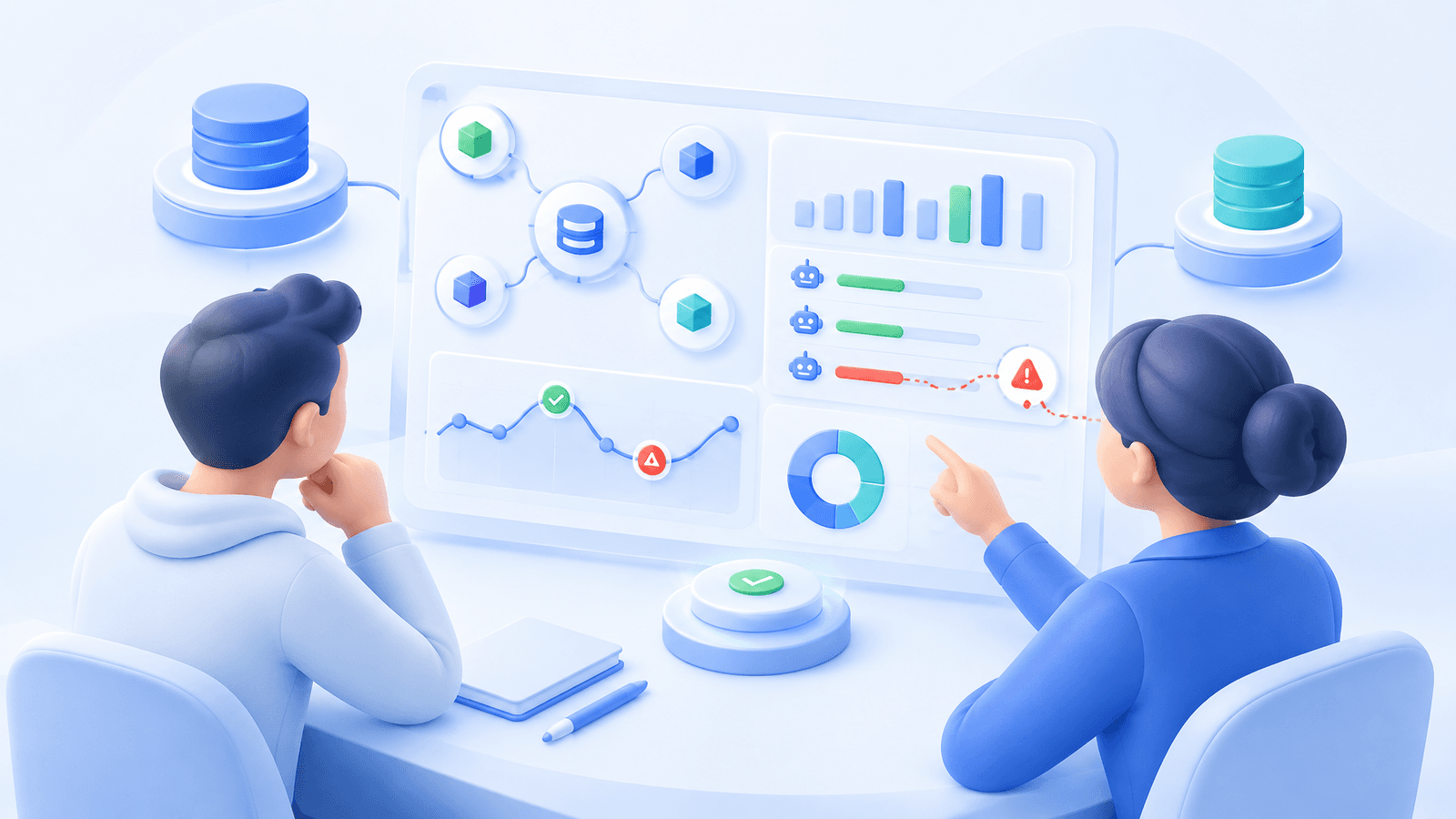
A practical crypto portfolio dashboard should let you move from broad health to a specific exception without opening a separate exchange tab for every question.
| View | Review first | Decision it supports |
|---|---|---|
| Accounts | Balance, change, connection status | Which account needs attention |
| Positions | Exposure, margin, unrealized PnL | Whether risk differs from plan |
| Trades | Source, direction, order history | What created the activity |
| Bots | Status, next actions, configuration | Whether automation still fits |
Accounts view. Look for account-by-account balances, portfolio changes, assets, positions, and trades. This view is the starting point when your problem is allocation or connection health rather than one specific bot. Cornix documents account pages with balance and performance information plus separate assets, positions, and trades views.
Positions view. This is where a dashboard earns its place during active markets. For derivatives users, a position screen should surface exposure facts such as margin, leverage, and liquidation information where available, rather than only a headline portfolio total. A total balance can conceal concentrated risk or offsetting activity across accounts.
Trades view. Use this view to reconstruct the path from intent to execution. Filtering by source, direction, exchange, symbol, or status is more useful than a long undifferentiated activity feed because it lets you investigate whether a signal, alert, manual action, or bot behaved as expected. Cornix’s Asset Manager workflow documents trade filters and sorting alongside bulk trade actions for operators managing multiple accounts (multi-account trade-management workflow).
Bots view. A trading bot dashboard should expose what the bot is doing now, not just its historical result. For example, DCA monitoring can show an active trade’s last filled entry and next entry, stop, and take-profit orders. That makes it possible to compare the remaining planned exposure with your current allocation before the next automation step occurs (DCA bot monitoring guide).
Exchange compatibility and account connections
Match the dashboard to the exchange accounts you use. Check the exchange, account type, and spot or futures markets you want to monitor. Cornix's supported exchanges guide lists market support so you can confirm the right connection before setting up your dashboard.
Also examine how accounts are connected and what permissions are needed. A dashboard built on exchange API access can only reflect and act on the access granted to it. Cornix supports account connections through Quick Connect on supported exchanges or manual API credentials, and it notes that correct API permissions are required for the platform to function (exchange account connection guide). Use the narrowest permissions that support your intended workflow, keep withdrawal access disabled for a trading-automation connection, and know how to revoke the key at the exchange.
A repeatable dashboard review
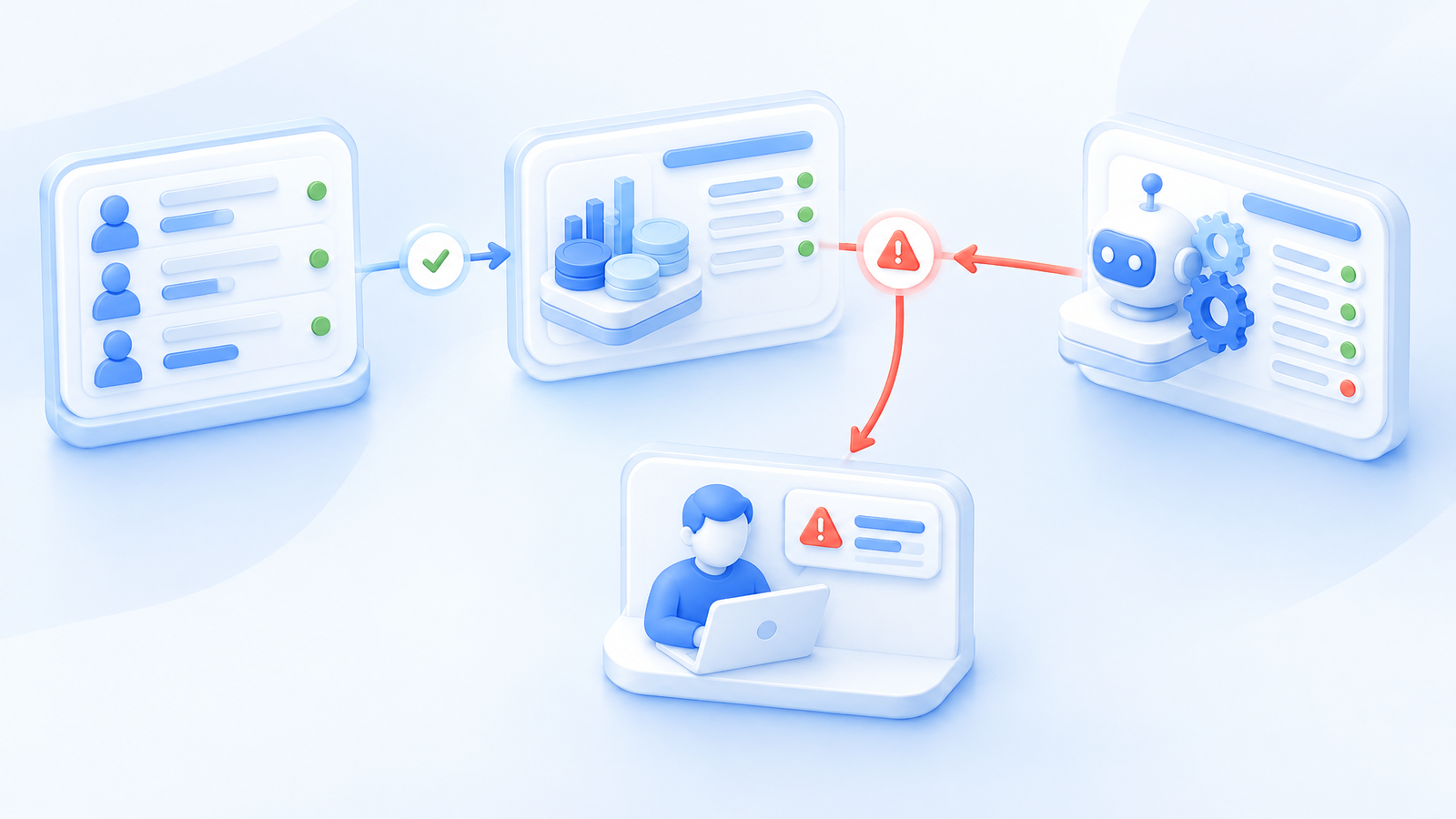
A useful way to evaluate a dashboard is to follow one trade through its views. Suppose a DCA bot has filled an additional entry. Open the connected account, check the resulting position where applicable, then review the bot's last filled entry and remaining entry, take-profit, and stop orders. The dashboard should help you understand both what happened and what remains configured. This is a monitoring example, not a trading recommendation.
Build that check into your routine: review account connections and balances, open positions, and the status of active bots. After changing a setup, confirm its orders and allocation. Compare with the exchange when a balance or order needs clarification. Monitoring helps you manage execution, but it does not guarantee returns or remove trading risk.
Cornix dashboards for individual and client accounts
For your own trading, evaluate Cornix with the account and strategy you already use. Its portfolio views sit alongside DCA Bots, Grid Bots, TradingView Bots, Signals Bots, and the Trading Terminal. You can choose one approach without needing to use them all.
For client portfolios, the dedicated Cornix Asset Manager solution adds centralized account oversight and a branded client experience. It supports bulk creation and editing of DCA, Grid, and TradingView bots, plus bulk trade closures across connected client accounts. See the Asset Manager plan guide for the account setup and included tools.
Choose a dashboard by how clearly it answers your everyday trading questions. Explore the platform with a Cornix free trial, or watch the Asset Manager dashboard walkthrough if you manage client portfolios.
Frequently Asked Questions
What should a crypto trading dashboard show?
At minimum, it should show connected accounts, balances or portfolio changes, open positions, trades, bot status, and enough filtering or drill-down detail to investigate an exception. The exact mix depends on whether you monitor one account, several strategies, or multiple client accounts.
Is a crypto portfolio dashboard the same as a trading bot dashboard?
No. A portfolio dashboard focuses on balances, assets, allocation, and account-level changes. A bot dashboard focuses on automation status, active trades, planned orders, and configuration. The most useful setup connects both views so you can see how bot activity affects account exposure.
Can a dashboard replace checking the exchange?
No. A dashboard can centralize monitoring, but exchange order handling, balances, and market conditions still matter. Compare the dashboard with the exchange when activity looks unexpected, and keep a documented pause or API-revocation procedure.
What matters most for multi-account monitoring?
Prioritize account-level visibility, clear position and trade filtering, permission boundaries, compatible exchange account types, and a reliable way to identify which accounts need review. Bulk controls are useful only when account grouping and approval practices are already clear.