Table of contents
- Begin with portfolio jobs, not bot settings
- Give each automation method one clear role
- Calculate the full commitment before activation
- Check compatibility before you plan around a strategy
- Make the API key narrow and the workflow reversible
- Test the chain, then monitor exceptions
- A practical balanced-portfolio routine
A balanced crypto portfolio with automated trading bots is not a collection of coins running unattended. It is a portfolio with deliberate exposure limits, distinct jobs for each holding or strategy, and an automation setup you can pause and explain. Crypto assets can move sharply, and leverage can amplify losses, so automation should make execution more consistent, not make a speculative plan larger.
Cornix supports Signals Bots, DCA Bots, Grid Bots, and TradingView Bots, so a trader can automate different kinds of instructions while retaining responsibility for configuration, exposure, and monitoring.
Begin with portfolio jobs, not bot settings
Before choosing assets or turning on a bot, decide what each allocation is meant to do. A core allocation might represent long-term exposure you intend to review periodically. A smaller tactical allocation might exist for a written, rules-based strategy. A cash or stable-value reserve, where appropriate for your circumstances, can keep every market move from forcing you to sell another holding or stop a bot at the worst moment. This is portfolio design, not a prediction about which asset will outperform.
The practical boundary is concentration. If one asset, one correlated group of assets, or one bot can dominate the outcome, the portfolio is not balanced simply because it has several tickers. Write down a maximum share for a single asset and a separate maximum for each automated strategy. Then add the bot’s possible open orders, not just its first order, to your exposure calculation. The CFTC warns that virtual-currency markets involve volatility, cyber risks, and possible manipulation, while leveraged trading can magnify gains and losses (CFTC virtual-currency risk advisory).
Give each automation method one clear role
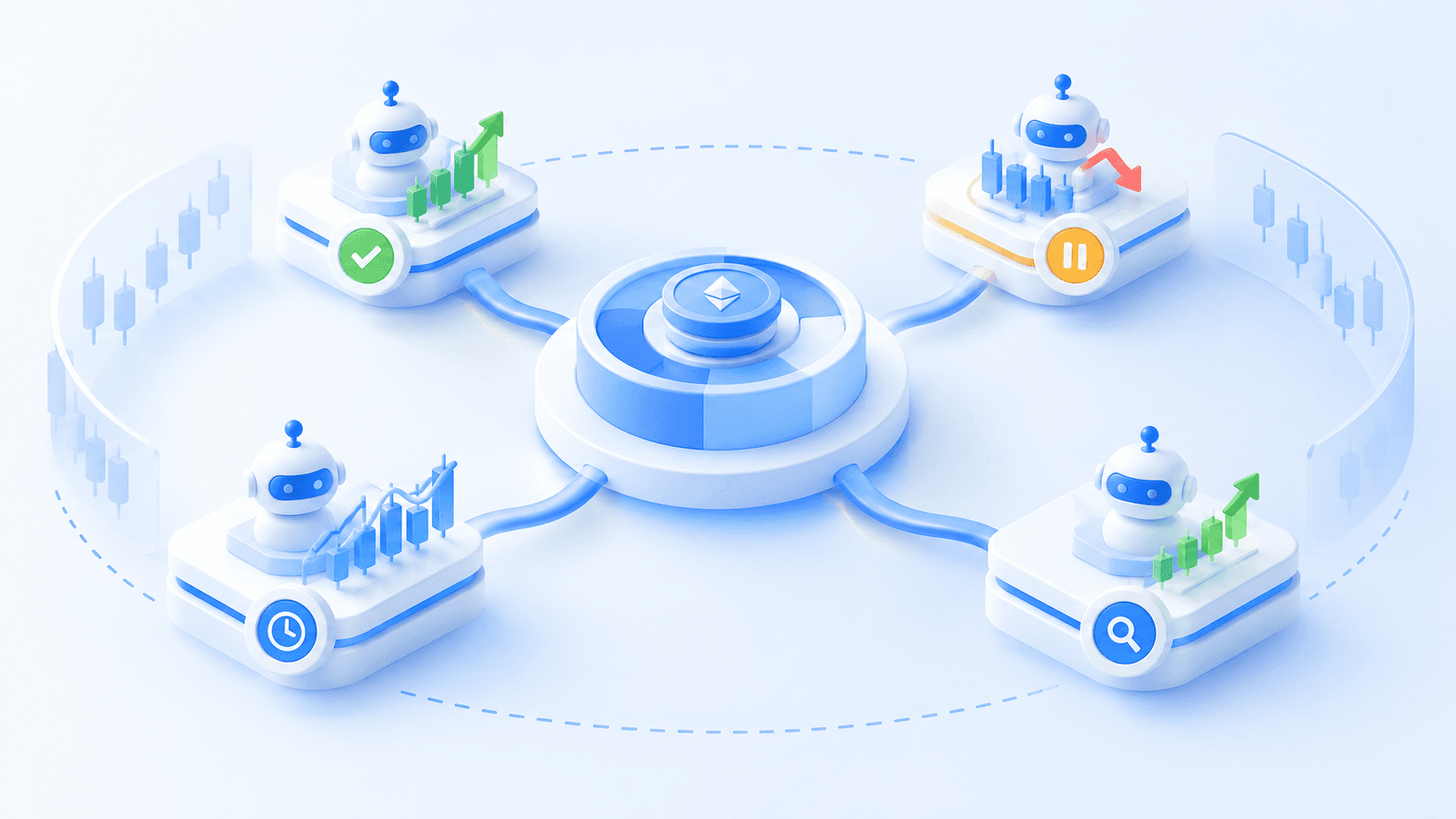
Choose the input that you already understand. A DCA workflow is for predefined staged entries and exits. A Grid workflow is for orders inside a chosen price range. A Signals Bot is for a trade idea supplied through a supported group workflow. A TradingView Bot is for an alert, indicator, or Pine Script rule that you created or validated. These are different decision sources, so running all four on the same asset without an exposure plan can duplicate risk rather than diversify it.
For a novice, one spot-market workflow is usually easier to supervise than several strategies across spot and derivatives. For a more experienced trader, separate strategies by purpose and funding: do not silently let a signal-following allocation, a range-trading allocation, and an alert-driven allocation draw from the same untracked pool. Cornix’s getting-started guide describes signal channels, TradingView alerts, DCA, and Grid strategies as distinct ways to automate trading, which makes that separation practical at setup (Cornix getting-started guide).
Calculate the full commitment before activation
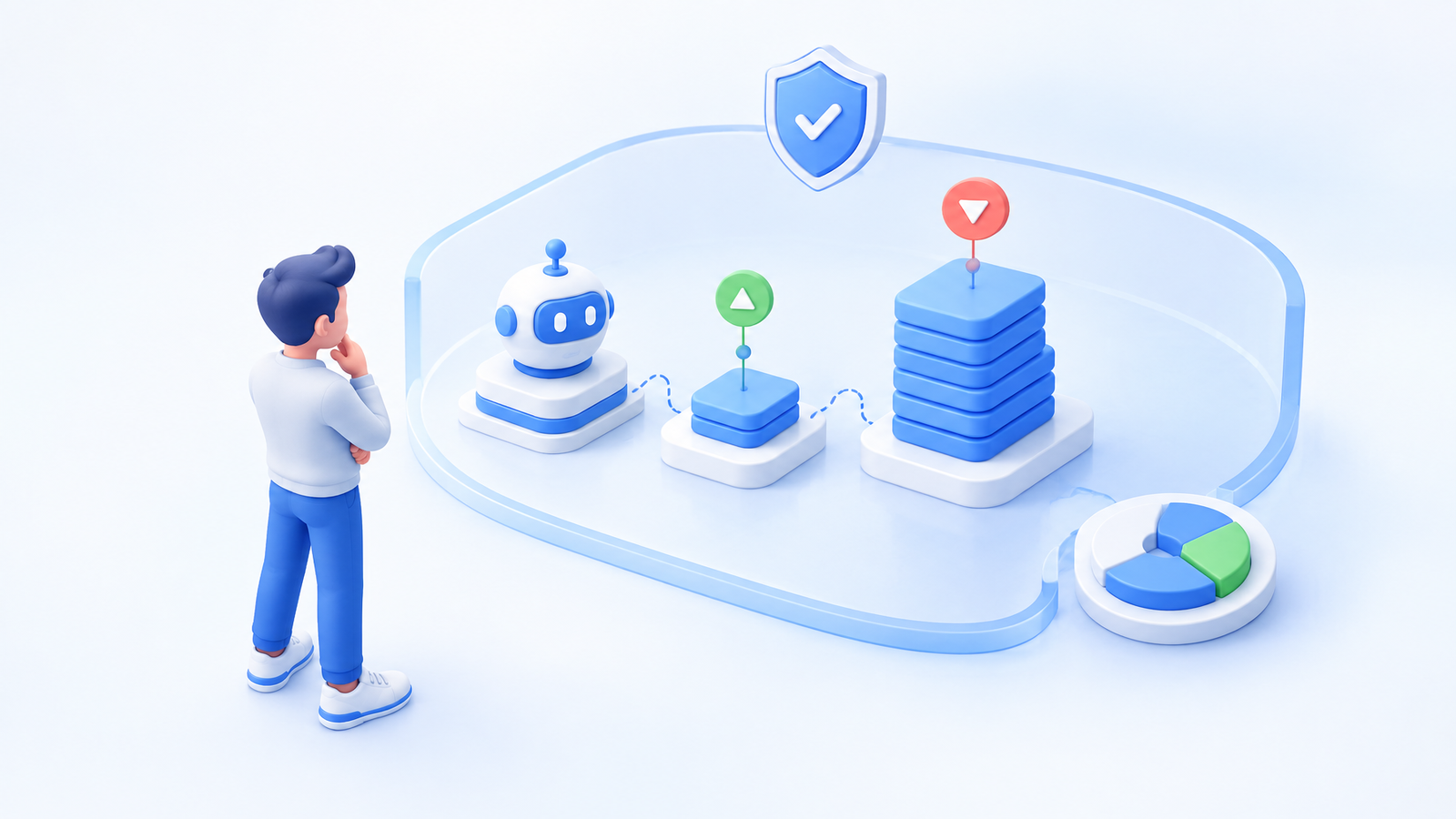
A bot’s displayed amount can be misleading if it is only the first leg of a sequence. For a DCA bot, review the amount per trade, total potential entry orders, order sizing, stop-loss behavior, cooldown, and the number of cycles allowed before the bot stops. A configuration can be created inactive for inspection, while activating it can open the first trade immediately (Smart DCA bot configuration guide).
Use a simple allocation ledger outside the bot screen: asset or strategy, maximum committed amount, account, market type, stop or pause condition, and the person responsible for review. Treat funds committed to open orders as committed capital. If two strategies can open positions in the same asset, count their maximum simultaneous commitment together. A balanced setup leaves room for ordinary volatility and does not depend on every bot behaving perfectly.
Signals deserve an extra boundary because the idea originates elsewhere. Cornix distinguishes a signal, which is a channel recommendation, from the resulting trade orders on your exchange account. Configure your own allocation, entries, take-profit, and stop rules rather than assuming a published instruction suits your account or portfolio (signals and trades explainer). Copying a configuration may save setup time, but it does not transfer responsibility for risk limits.
Check compatibility before you plan around a strategy
A portfolio plan is usable only if the intended exchange, market type, and account can support it. Cornix lists spot, futures, and inverse support differently by exchange. Confirm the exact exchange domain and market type before building an allocation around a bot workflow (supported exchanges guide).
This check changes decisions. A spot-only portfolio should not inherit futures settings. A strategy that depends on a particular pair, margin setting, or order type needs to be tested on the account that will actually run it. Avoid treating “supported exchange” as blanket compatibility for every account variation. If the connection or market type is unclear, stop at research rather than substitute a different product or account type just to activate a bot.
Make the API key narrow and the workflow reversible
Automated trading requires an exchange connection, but it does not require withdrawal authority. Create a dedicated API key where your exchange permits it, grant only the permissions needed to read account data and trade, keep the secret private, and do not enable withdrawals for a trading-bot workflow. Exchange-specific options can also include access restrictions, so review the exchange’s current API controls directly before saving the key (Cornix API-key permissions guide).
Access controls do not make a strategy safe. They limit what a credential can do. Trading safety still depends on position size, leverage, exit behavior, duplicate triggers, signal quality, and your ability to recognize an exception. Decide in advance where you will deactivate the bot and where you will revoke the API key. Those two actions are part of the strategy’s operating plan, not emergency details to discover after an unwanted order.
Test the chain, then monitor exceptions
Test a portfolio workflow in layers. First inspect the written rule and maximum allocation. Next verify the selected exchange account, symbol, order direction, entries, exits, and alerts. Then test the entire operational path in a simulated environment before connecting a larger live allocation. Cornix Demo Accounts provide simulated Signals, DCA, Grid, and TradingView bots without requiring an exchange API connection (Demo Accounts guide).
A demo checks configuration and supervision, not profitability. It cannot prove future prices, liquidity, or live fills. After a small live deployment, monitor the actual account as well as the bot: open orders, positions, available balance, failed actions, and whether the holdings still match the portfolio limits you wrote. Cornix’s DCA monitoring view shows active and closed trade information, including next entries, stops, and take-profit orders; it also documents that certain irregular closures deactivate the related bot (DCA bot monitoring guide).
A practical balanced-portfolio routine
Use a weekly review to compare your intended portfolio with what is actually open. Recalculate the percentage committed to each asset and strategy, including outstanding orders. Check whether a bot has restarted a cycle, whether several bots now share the same market exposure, and whether any signal or alert source has changed. Rebalance by reducing concentration or pausing a workflow, not by chasing whichever recent trade looks strongest.
Selection principle: use trading bots only for rules whose maximum commitment, trigger, stop condition, and monitoring owner are clear before activation. A balanced crypto portfolio is defined by controlled concentration and review discipline, not by the number of automated strategies running.
When you have one written rule and a bounded allocation, you can Build a controlled automation workflow.
Frequently Asked Questions
Can trading bots create a balanced crypto portfolio automatically?
No. A bot can execute a configured rule, but it cannot decide your suitable concentration limits, risk tolerance, or whether several strategies create overlapping exposure. Those remain portfolio decisions.
Should I use DCA, Grid, signals, and TradingView bots together?
Only if each has a separate purpose, maximum allocation, and review process. Using multiple bots on the same asset can compound exposure instead of diversifying it.
How should I start with a crypto trading bot?
Start with one understandable spot-market workflow, a small pre-set allocation, narrow API permissions without withdrawals, a demo test, and a clear pause procedure.