Table of contents
- Choose the automation path before choosing a bot
- Connect the exchange with the smallest permissions that work
- Follow a safe starting workflow
- Put controls around the automation
- Make the first decision small and reversible
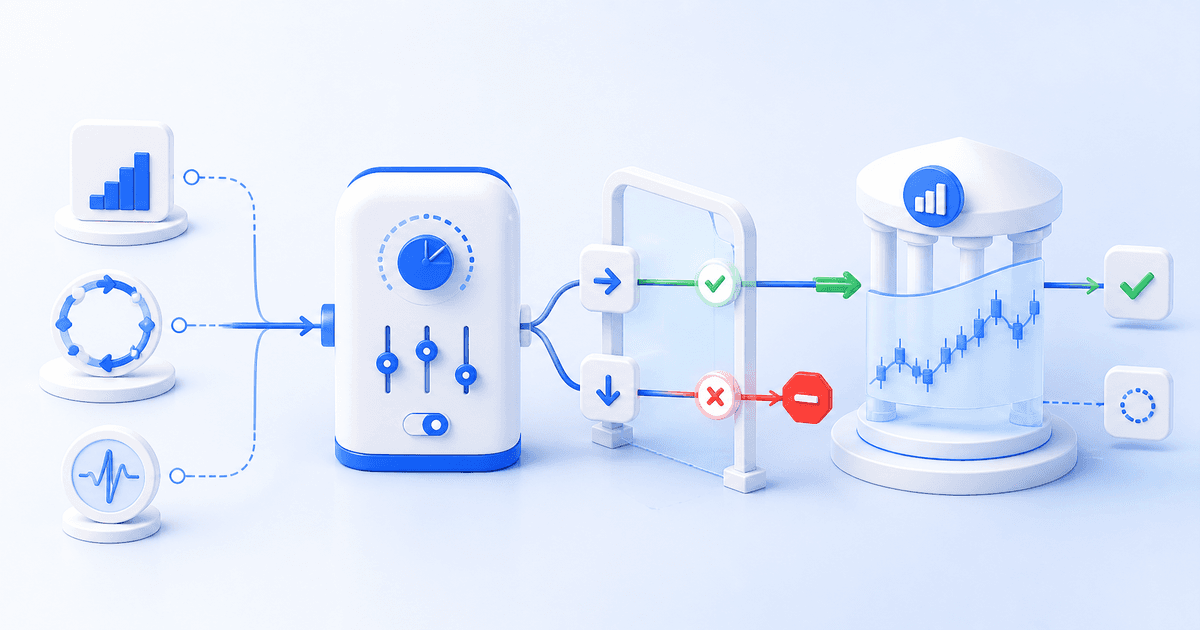
Automate crypto trading only after you can explain what will trigger an order, how much it can allocate, and when it must stop. For most beginners, the best starting point is one spot-market workflow with a small, pre-set allocation—not a collection of bots or leveraged positions. Automation turns instructions into exchange orders; it does not remove market, execution, or strategy risk.
Cornix supports Signals Bots, DCA Bots, Grid Bots, and TradingView Bots. Start with the Cornix getting-started guide, then choose the method that matches the decision you want software to make for you.
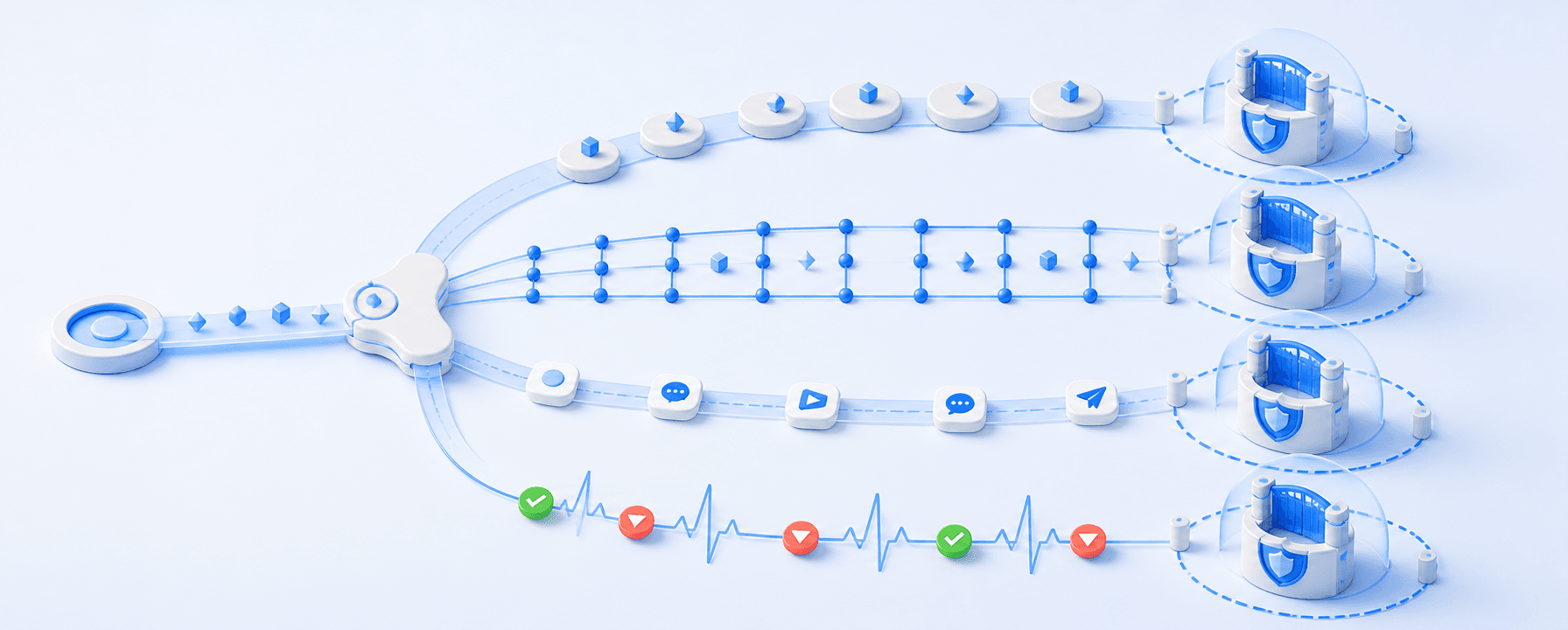
Choose the automation path before choosing a bot
Use scheduled or rule-based DCA when your main question is how to spread entries. Basic DCA divides a planned purchase across time intervals. Cornix DCA Bots instead use configured entries, exits, stops, and trading-cycle rules; you can create your own configuration or copy a public bot, then adjust the exchange account, symbol, and amount before activation. Read the Smart DCA bot guide before treating a copied configuration as suitable for your account.
Use a Grid bot when you have defined a price range and want orders distributed inside it. In Cornix, you select the connected account, symbol, price range, number of grids, and amount per trade. A grid can be created inactive, which is useful when you want to inspect the planned order layout before an order is opened. The Grid bot setup guide is a practical fit for range-based planning, not a substitute for deciding what happens if price leaves the range.
Use a signals bot when another person or your own channel supplies the trade decision. A Cornix Signals Bot can apply your configured amount, entries, take-profit, stop-loss, and other supported rules to a compatible signal. A signal is a recommendation; the resulting trade is the set of orders placed on the connected exchange. See the signals and trades explainer for the difference between a signal and the exchange orders it can create.
Use a TradingView bot when your own alert should be the trigger. A Cornix TradingView Bot can turn an indicator, price condition, or Pine Script-based alert into a trade using the bot's configured execution rules. Cornix explains the alert-to-trade connection in its TradingView bot overview. TradingView webhooks require two-factor authentication and should never carry passwords or other sensitive credentials in the alert message; use the TradingView webhook security guidance before connecting an alert.
Connect the exchange with the smallest permissions that work
A bot platform needs an exchange connection because the exchange, not the bot interface, holds the account and receives orders. First confirm that your chosen market type—spot, futures, or inverse where available—matches both your strategy and exchange account. Cornix’s exchange account connection guide explains its Quick Connect and API-key connection options.
For an API connection, create a dedicated key for the automation tool, enable only the permissions required for the workflow, and keep the secret private. Binance’s API documentation, for example, separates trade permission from account-data permission and says keys can be restricted by endpoint access. Do not enable withdrawal permissions merely to automate trading; review your exchange’s settings and its Binance API permission documentation before saving a key.
Connection is also a compatibility check. Confirm the exact exchange account, market type, trading pair, order minimums, and any futures settings such as direction, margin type, and leverage. A configuration that is valid for one account may be inappropriate for another.
Follow a safe starting workflow
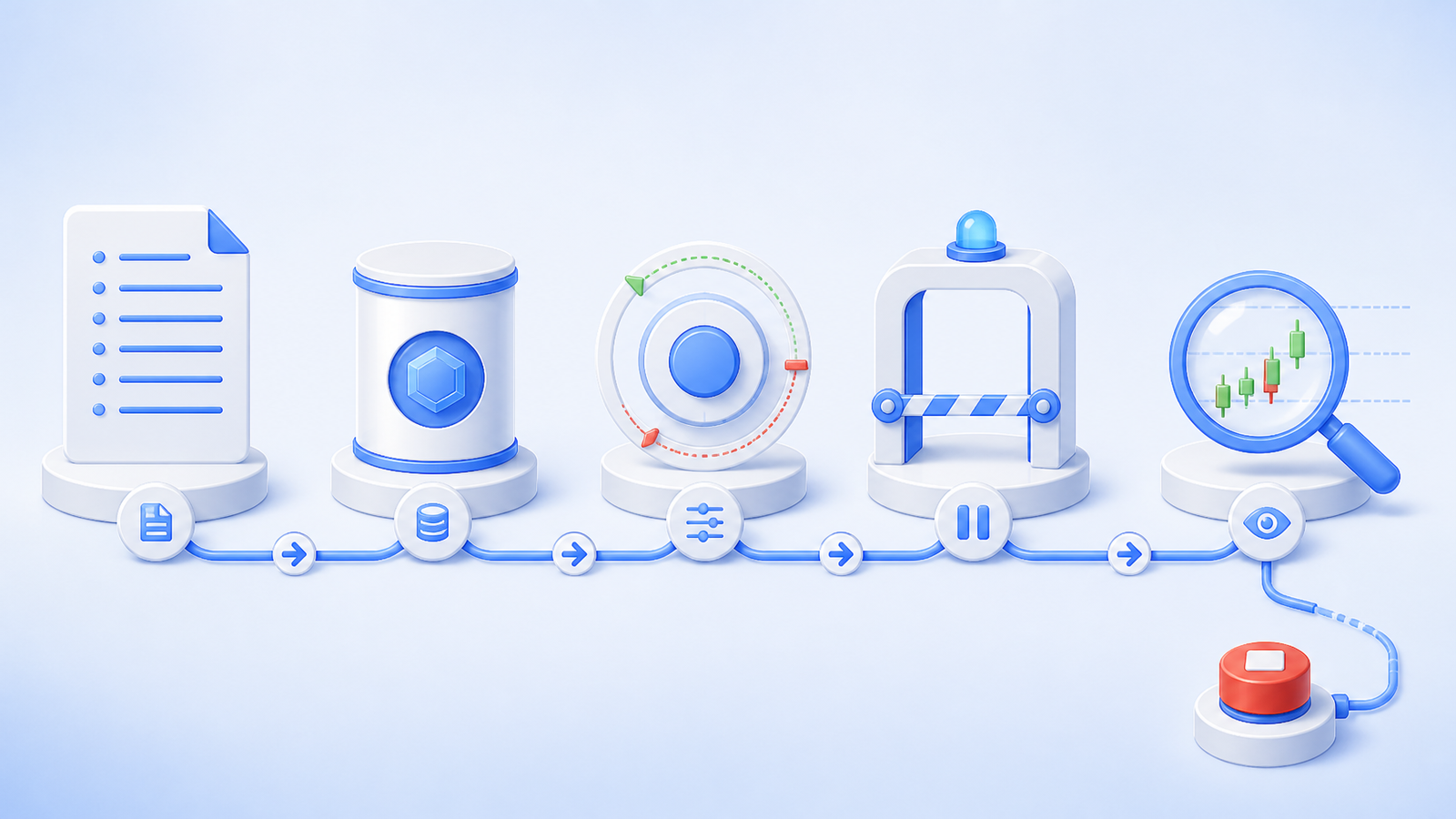
1. Write one sentence describing the rule. For example: “Buy a fixed spot amount at scheduled intervals,” or “Place grid orders only within this defined range.” If the rule is vague, automation will only execute vagueness faster.
2. Choose one account and one symbol. Avoid mixing spot and futures or several strategies until you can read the resulting orders and balances without confusion.
3. Set the maximum commitment first. Define amount per trade, total bot allocation, stop condition, and whether the bot may start another cycle after a close. Cornix’s DCA setup includes entries, take-profit, stop, cooldown, and a limit on the number of trades before the bot stops; use the DCA bot configuration guide to understand how those settings interact.
4. Create without activating where that option is available. Inspect the order preview, initial order behavior, and the conditions that would open additional orders. For Grid bots, activation can immediately open an initial trade based on grids around the current price.
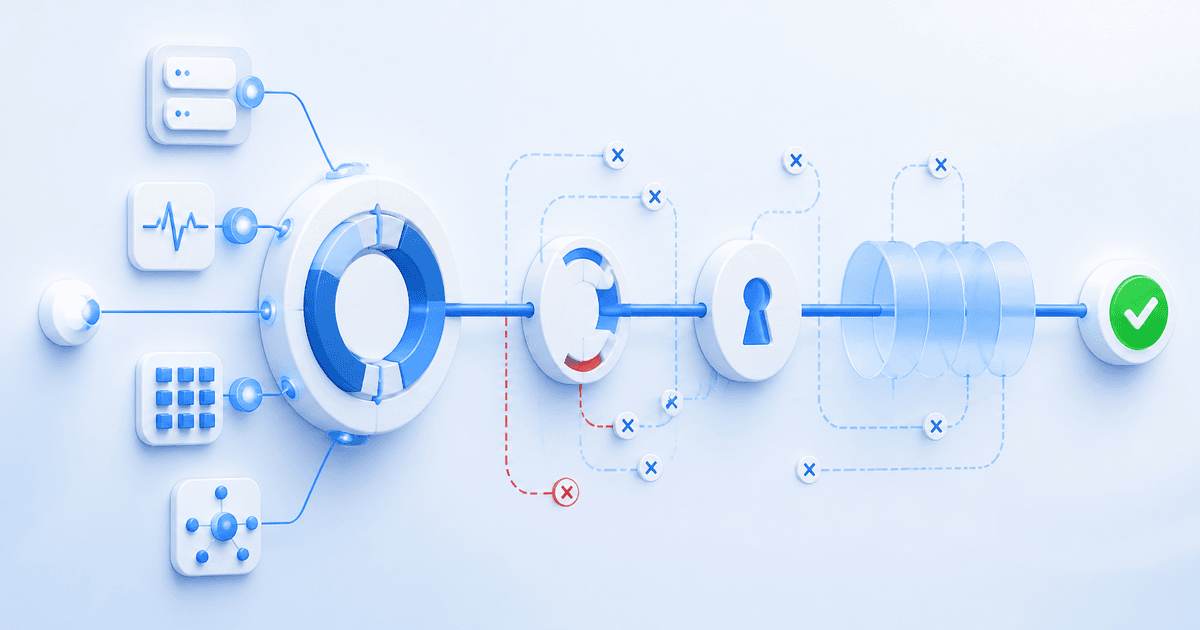
5. Test the operational chain. If your exchange or platform offers a demo environment, use it to check authentication, sizing, alerts, and notifications. Otherwise, use the smallest live size you can monitor comfortably. A test verifies that the workflow behaves as configured; it does not validate future returns.
6. Activate one workflow and observe it. Keep a record of the rule, settings, start time, market conditions, and every manual intervention. This makes it possible to distinguish a strategy decision from a setup error.
Put controls around the automation
The most important crypto bot setup settings are often the least exciting: allocation caps, stop-loss behavior, leverage, order size, and the condition that disables the bot. Set notifications for failed orders or connection problems, and know how to deactivate the bot before you need to react quickly.
Monitoring is not optional. Cornix’s DCA bot monitoring guide shows bot-level views of open and closed trades, planned next entries, stops, and take-profit orders. Review those records after fills, unusual volatility, exchange maintenance, or any manual close. A manually closed DCA trade can deactivate the related bot, so operational changes deserve the same attention as strategy settings.
For a broader view of manual order placement and account oversight, see our introduction to the Cornix Trading Terminal.
Make the first decision small and reversible
The right way to automate crypto trading is to automate a rule you already understand—not to outsource judgment to a dashboard, a signal channel, or an alert. Choose DCA for planned entry logic, Grid for a bounded range, signals for externally supplied setups, or TradingView for your own alert logic. Then connect one exchange account carefully, test the full chain, and expand only after the actual orders match your written plan. When you are ready, use the Build one small, controlled automation workflow using the Cornix getting-started guide. to build your first workflow step by step.
Frequently Asked Questions
How do crypto trading bots work?
A crypto bot receives a rule or trigger—such as a scheduled DCA cycle, grid level, channel signal, or TradingView alert—and sends the configured orders to a connected exchange account. The result depends on the rule, settings, available balance, exchange conditions, and execution; automation does not guarantee a profitable outcome.
Which crypto trading bot is easiest for beginners?
The easiest starting workflow is usually the one with the fewest moving parts: one spot account, one symbol, a fixed allocation, and clearly defined stop or pause rules. A copied DCA bot can reduce setup work, but you should still inspect and adjust its amount, exchange account, and configuration before activation.
Do I need an API key to automate crypto trading?
Many exchange-connected bot workflows use API credentials so the platform can read account data and place orders. Use a dedicated key, keep its secret private, grant only the permissions needed to read account data and place trades, and keep withdrawal permissions disabled.
Can I automate TradingView alerts?
Yes. A TradingView bot can turn an alert based on an indicator, price movement, or Pine Script logic into an exchange trade through Cornix. Check the alert condition, message format, bot configuration, and webhook security before relying on it in live trading.