Table of contents
- Confirm the futures account before choosing the bot
- Decide who controls leverage and margin
- Calculate exposure from the whole position
- Read the stop percentage in the right units
- Inspect the trigger price and the closing order
- Test the execution path with Cornix Demo Account
- Pay for the capacity your futures workflow needs
A futures trading bot is worth buying when it can enforce your intended leverage, account mode, position size, and exit behavior on the exchange you actually use. Choose Cornix when structured signals or TradingView alerts drive your trades and you want configurable execution across supported accounts. Keep execution manual when each alert still requires a fresh discretionary decision; automating an unresolved decision makes it harder to supervise.
Cornix supports personal margin-type and leverage-multiplier settings in its Signals Bot, including an upper leverage cap rather than automatically accepting every channel's multiplier. That makes control over copied futures instructions a concrete reason to evaluate the platform (Signals Bot leverage settings).
Confirm the futures account before choosing the bot
Cornix supports futures connections for Binance, ByBit, OKX at okx.com, Bitget, KuCoin, BingX, HyperLiquid, BloFin, and MEXC. Its spot and inverse exchange groups are separate. For example, Kraken appears in the spot group, so a Kraken spot connection should not be treated as confirmation of a futures workflow (supported exchange list).
Make the account requirement precise before subscribing: record the exchange entity, contract symbol, settlement asset, margin mode, and position mode. Ask the provider to demonstrate that exact combination rather than merely confirming the exchange name. A working connection to one market does not answer whether your intended contract and account configuration will work.
Regional eligibility comes first. Bybit excludes United States users, so its execution examples below illustrate controls rather than recommend that venue to US readers. Check your intended exchange's current eligibility requirements before opening or connecting an account, and do not use automation to bypass them (service eligibility rules).
For a buying decision, treat compatibility as pass or fail. If your exact futures account cannot be used, better dashboards and more strategy templates will not fix the mismatch. Our bot selection guide helps you decide which trading instruction needs automation before committing to a particular setup.
Decide who controls leverage and margin
Cornix defaults Signals Bot leverage configuration to Channel, which copies leverage settings from the signal. To take control, create or edit the bot, enable Advanced Settings, then open General → Leverage → Personal. The personal settings separate Margin Type from Multiplier, so choosing your own leverage does not require leaving the margin decision to the channel.
Use the distinction between Up to X and Exactly X deliberately. Cornix's Up to X setting accepts a lower signal multiplier but caps a higher one at your chosen value. Exactly X overrides the signal with your multiplier. A hypothetical Up to 3 setting therefore means a 2× signal remains 2× while a 10× signal is capped at 3×; it is an illustration of the setting, not a recommended leverage level.
Cornix applies Global Settings to existing and future symbols. By contrast, Select All creates custom settings for the symbols currently selected and does not extend those custom settings to newly added symbols. Some exchanges also share one multiplier across symbols. Review whether you are configuring a durable global rule or a current symbol list before activating new markets.
Margin mode changes which funds support the position. Bybit's Unified Trading Account cross-margin process shares available collateral, and losses on one position can move another position's liquidation price closer to the mark price. Evaluate cross margin as an account-wide decision, not an isolated bot preference. Ask whether automatic margin additions are enabled and which balance they can draw from (cross-margin liquidation mechanics).
Prefer a workflow you can explain in dollars: initial margin, maximum position value, additional entries, and available collateral. Do not buy a bot because it offers a high multiplier. Buy it because the chosen settings preserve the exposure boundaries you intend to operate.
Calculate exposure from the whole position
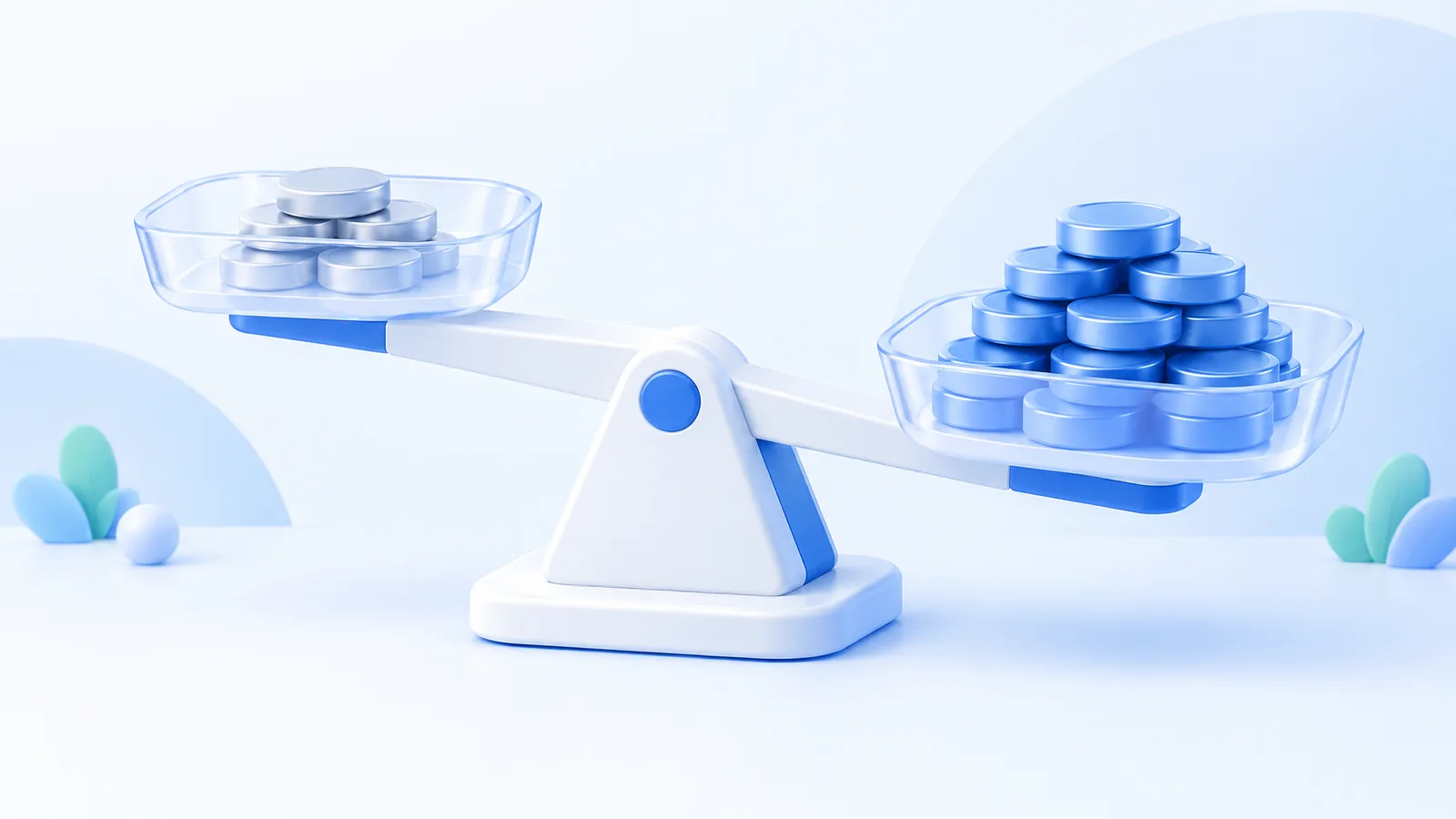
For USDT contracts, Bybit calculates initial margin as position value divided by leverage, while order cost also includes opening and estimated closing fees. That distinction matters when sizing an automated futures trading bot: the amount reserved as margin is not the same as the value exposed to a price move (USDT contract mechanics).
Build your evaluation around maximum position value. Include every planned entry and every bot that can trade the same collateral pool. A small initial order is not a complete allocation plan if later orders can enlarge the position. Ask for the full configured sequence and decide which additional order would exhaust your intended allocation before enabling it.
Cornix Signals Bots provide Max Concurrent Amount and simultaneous-trade settings. However, manually editing a trade originally opened by a Signals Bot reclassifies it as manual, removing it from those bot-limit filters. A manual intervention therefore deserves an exposure review rather than an assumption that the original automation limits still contain it (Signals Bot exposure controls).
Use two checks when reviewing a demonstration. First, confirm the size of one fully entered position. Second, confirm the largest aggregate position value the account could hold if several instructions arrive together. A vendor demonstration that shows only one successful opening order leaves the more important capital question unanswered.
For a hypothetical USDT contract position worth $1,000 at 5× leverage, the simplified initial margin is $1,000 ÷ 5 = $200. A 2% adverse price move creates approximately $1,000 × 0.02 = $20 of loss, equivalent to $20 ÷ $200 = 10% of that initial margin, before fees and funding. The result illustrates why margin and position value must be reviewed separately, not a liquidation-price calculation.
Read the stop percentage in the right units
Cornix automatically adjusts certain configuration percentages for automated futures trades. For Default Stop-Loss, it divides the configured percentage by the trade's leverage. Its documented example uses a 10% default stop and 10× leverage, producing a 1% adjusted price distance. This applies to automated or One Click Follow trades, not manual trades or smart bot trades; manually edited parameters are also left as entered (automated leverage adjustment).
The practical consequence is that an identical percentage field can mean something different across workflows. Before copying settings from a Signals Bot into another bot type, check the actual resulting stop price. Use the exchange position and order record to confirm what was created, rather than relying on a familiar percentage label.
Cornix's Signals Bot Stop-Loss Timeout deliberately delays closing after the stop condition is reached, with a configurable period from 1 Minute to 1 Day (24 hours). Evaluate that feature only when the strategy explicitly calls for delayed action. It is not equivalent to an immediate exit at the first trigger (stop-loss strategy settings).
Keep fixed stops, delayed stops, and trailing stops separate in your evaluation. Ask the provider to show the trigger, the resulting order, and the behavior after a partial close. Our automated exit guide is a useful next read when you need to understand how stop-loss and take-profit rules interact before configuring them.
Inspect the trigger price and the closing order
Bybit allows futures TP/SL reference prices to use Last Traded Price, Index Price, or Mark Price. Its futures controls also distinguish Entire Position from Partial Position exits. A bot demonstration should identify both the reference price and the quantity being closed; an exit target alone does not describe the resulting action.
Bybit uses mark price for liquidation, rather than last traded price. A last-price chart and the liquidation trigger can therefore tell different stories. Review the stop's trigger reference alongside the exchange's liquidation mechanism, and leave a deliberate buffer instead of treating the displayed liquidation level as an acceptable planned exit.
Bybit's reduce-only limit orders are designed to decrease an existing position without opening an unintended opposite position after the original trade has already closed. They can be rejected, reduced, or cancelled depending on the remaining position and other orders. Ask whether the intended bot exit uses the appropriate closing semantics on your selected exchange, and inspect the submitted order rather than assuming every sell instruction means close (reduce-only order behavior).
Cornix lets Signals Bot users choose Market or Limit for conditional execution where the connected exchange permits it. A market exit prioritizes execution at available prices; a limit exit introduces a price constraint. Evaluate which consequence your strategy requires, especially for a protective exit, and test the selected path rather than choosing an order type by habit.
Write a shutdown checklist with three separate outcomes: prevent new entries, cancel unwanted resting orders, and close remaining exposure. Require a demonstration of all three. A stopped bot icon is not a substitute for checking the exchange's position quantity and outstanding orders.
Test the execution path with Cornix Demo Account
Cornix Demo Account is a built-in simulated environment using real-time market data. It requires neither a deposit nor an exchange API connection and supports Signals, DCA, Grid, and TradingView bots. Activate the Demo Trading toggle at the top of the dashboard, create a demo exchange account, and select a virtual balance that resembles the allocation you intend to evaluate (demo account setup).
Use a written test record rather than a profitable-looking equity curve. Send one instruction, note the intended symbol and direction, then record the actual position size, leverage, entry, and exit behavior. Test a cancelled instruction and a partially closed position as separate cases. Your objective is to learn whether you can reconcile what you intended with what the system did.
Cornix TradingView Bot executes preconfigured trades from connected TradingView alerts. That is a useful fit when your strategy logic already produces explicit alerts and you want the bot to handle the configured execution. Evaluate the alert payload and account mapping together so the chart signal and exchange action belong to the same planned trade (TradingView Bot overview).
Cornix requires its designated demo webhook when connecting TradingView alerts to a demo bot. An external exchange testnet connection is not the Cornix simulation workflow. Keep the demo alert endpoint separate from the live endpoint, and include that distinction in your activation checklist.
Treat simulation as a configuration test, then review live order history separately. Bybit distinguishes realized results from unrealized P&L because trading fees, funding fees, slippage, and actual execution prices affect the closed result. Judge the operating cost using completed trades and their fee records, rather than the mark-price display alone.
Pay for the capacity your futures workflow needs
As checked on October 6, 2026, Cornix Advanced includes 3 Active Signals Bots, 5 Active TradingView Bots, 5 Active DCA Bots, 5 Active Grid Bots, 50 Monthly Backtesting Runs, and 2 Primary API Slots. These allowances make bot count and connected-account capacity concrete subscription checks. Unlimited Active Signal Trades does not mean unlimited bots or API slots.
Before paying, write down the number of connected accounts and simultaneous strategies you need, then compare that requirement with the plan allowance. Also reserve time for reviewing rejected orders and reconciling exposure. A larger subscription solves a capacity requirement; it does not resolve an unclear sizing rule or an untested exit.
Choose Cornix when personal Signals Bot leverage controls or TradingView-driven execution match your futures workflow, and your exact exchange account is supported. Defer live automation when you cannot explain the resulting position value, stop price, or shutdown procedure. Compare the capacity for your intended setup on the Cornix pricing page.
Frequently Asked Questions
Does higher leverage always mean a larger position?
Not if you hold position value constant. Higher leverage reduces the initial margin required for that fixed value; it does not itself change the contract quantity. If your sizing rule instead holds margin constant, raising leverage increases the position value. Compare both numbers before changing a multiplier.
Can a Cornix Signals Bot cancel an unfilled trade after a time limit?
Cornix provides Auto-Cancel Trade Timeout for waiting trades without filled entries, configurable in days, hours, minutes, or seconds. Its default is no time limit. Use a defined expiry when your signal is valid only for a particular window.
Can Cornix change a futures account's position mode?
Yes. Open Accounts, select the futures account, scroll to Account Configuration under General, set Position Mode to Hedge Mode or One-Way Mode, and save. On Binance Futures and OKX Futures the mode applies to the whole account, while Bybit USDT lets you set it per symbol. Confirm the intended mode before running multiple strategies on that account.