Table of contents
- 1. Match Telegram signals to the correct Bybit account
- 2. Restrict the exchange API connection
- 3. Make Telegram signals readable before copying
- 4. Set sizing, leverage, and concurrent-trade limits
- 5. Rehearse Telegram signals in the Demo Account
- 6. Diagnose rejected orders before restarting
- 7. Budget for the copying workflow
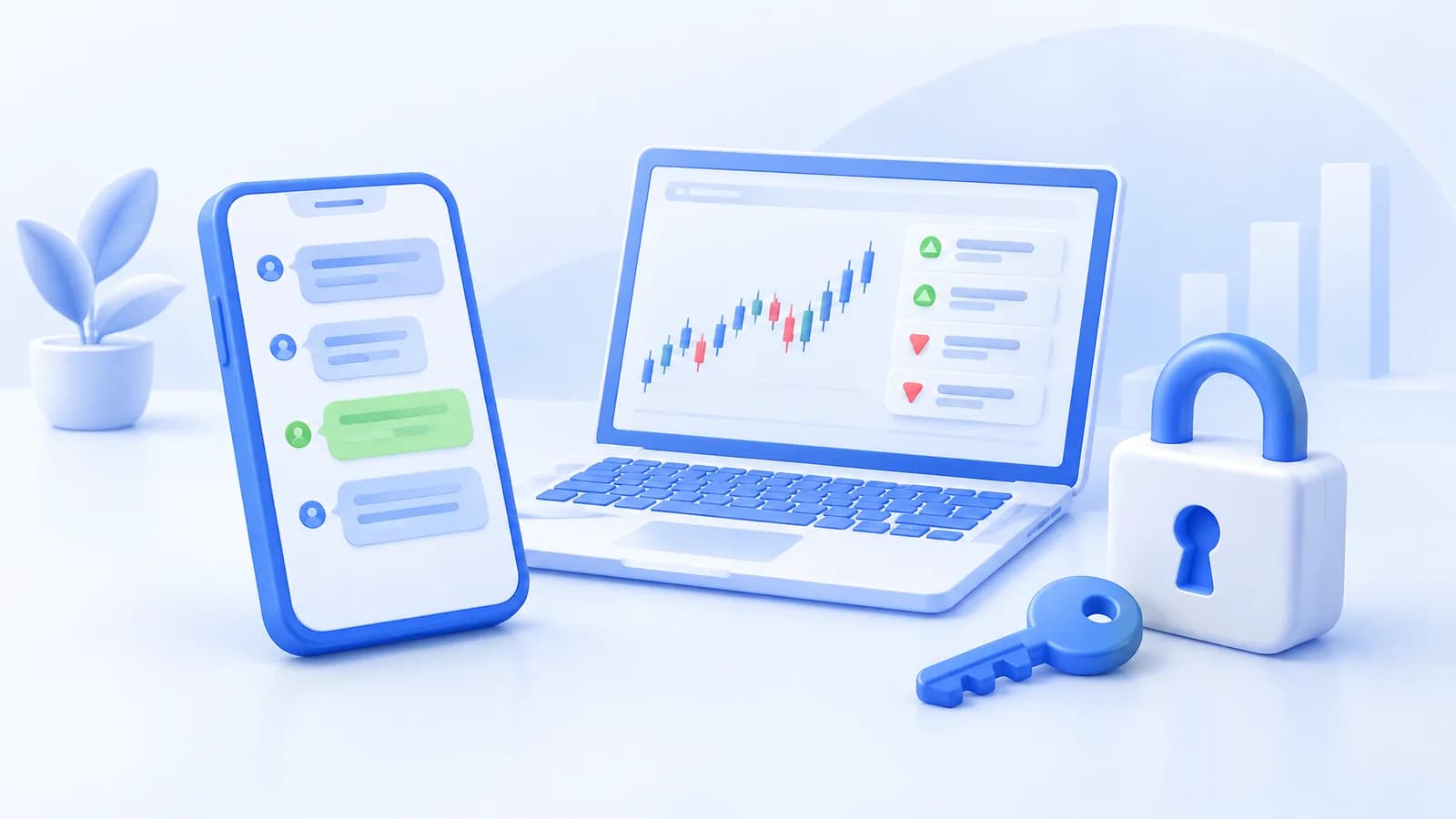
To copy Telegram signals into your Bybit account, connect a supported channel to a signal bot, authorize the destination exchange account, and configure sizing and exits before activation. Start with simulation rather than a live connection. Bybit excludes US users, so the live setup below is for eligible users outside restricted jurisdictions (service eligibility rules).
1. Match Telegram signals to the correct Bybit account
Cornix receives compatible Telegram signals through its Signals Bots and applies the selected sizing, entry, take-profit, and stop-loss settings to a connected account (Signals Bots overview). Choose this route when you want structured channel instructions executed under predefined rules; retain manual approval when each message still needs your judgment.
Cornix supports Bybit spot, futures, and inverse connections, but not Bybit.eu (supported exchange connections). Match the exact exchange entity and market before creating a bot; a familiar exchange name does not establish compatibility with a regional account.
Choose one integrated channel whose entries, stops, targets, and corrections you can explain. For help deciding whether to approve ideas individually or automate them, read the beginner copy trading guide. Treat channel selection and account authorization as separate decisions: joining a group should not be your reason to grant trading access.
2. Restrict the exchange API connection
Check which connection method is available for your account type before creating API credentials. An API key is a credential that authorizes software to access your exchange account. Use the documented Bybit API connection instructions for this sequence:
- Open Accounts > + Create, select ByBit, then Connect with API Keys.
- Deselect unwanted connections from ByBit Spot, ByBit USDT, and ByBit Inverse.
- In the exchange's API Management, choose Create New Key > System-generated API Keys.
- Select Connect to Third-Party Applications > Cornix to attach the designated whitelisted IPs.
- Enable Read-Write, Contract > Orders and Positions, and Spot > Trade. For a Unified Trading Account, also enable USDC Contracts > USDC Derivatives Trading.
- Complete security verification, enter the credentials in the connection form, and select Connect to ByBit.
Do not add withdrawal authority. Keep credentials out of Telegram messages, screenshots, and support chats. IP restrictions constrain where requests can originate; they do not replace careful handling of the key and secret. Use only the IP addresses supplied by the connection workflow, rather than copying an address from another trader.
3. Make Telegram signals readable before copying
Cornix parses structured text with a full pair, entry keywords, price-based take-profit targets, and a stop marked Stop or SL (signal formatting guide). Free-text signals support up to 10 entries, 10 take-profit targets, and one stop. Writing Sell before a stop price instead identifies a take-profit instruction.
For a hypothetical formatting exercise, map BTC/USDT, Exchanges: Bybit USDT, Leverage: Isolated 1x, Entry: 60000, Take Profit: 61000, 62000, and Stop: 59000 to the pair, market, multiplier, entry, exits, and protective stop. These are fictional test values, not a current trade recommendation. Inspect the parsed signal before allowing a follower to act on it.
Do not infer executable instructions from a chart image or informal commentary. If your channel generates messages from chart alerts, use the TradingView signal routing guide to separate publication testing from exchange execution.
4. Set sizing, leverage, and concurrent-trade limits
Before creating a bot, write down the intended signal group, destination exchange account, and amount per trade. Choose a fixed practice amount, then open Show Configuration to review entry, take-profit, and stop-loss strategies. Save with Create to leave the bot inactive; Create & Activate enables trading on subsequent signals (Signals Bot setup guide).
In the Signals Bot creation form, select the supported Telegram group, choose your connected Bybit account, and enter the amount per trade, before reviewing configuration and saving inactive with Create.
Before copying a channel's exits, decide whether its entry, take-profit, and stop rules match your own allocation. Cornix provides personal overrides in the Entries, Take-Profits, and Stop sections of Advanced Settings; switching back to Basic Settings discards advanced changes (configuration options). Keep the resulting stop and target prices in your test record.
Set a written symbol allowance and leverage ceiling before following futures instructions. For an illustrative rehearsal, allow one symbol and use Up To 1 rather than inheriting an unrestricted channel multiplier. Leave Only use if not defined by group unchecked when your amount must remain the controlling value (general bot settings).
Define your maximum simultaneous trades, trades per symbol, and total committed capital before activation. For a first rehearsal, set both trade-count fields to 1 and choose a defined allocation ceiling. Manually editing an automated trade reclassifies it as manual, removing it from these bot-limit filters (exposure and execution controls).
Calculate allocation separately from the amount you expect to lose at a stop. For a spot test, the illustration below measures committed capital, not a futures margin requirement or a guaranteed exit loss.
For a hypothetical $1,000 spot practice balance, a $40 allocation per trade and a ceiling of 3 simultaneous fully allocated trades imply $40 × 3 = $120 committed. That leaves $1,000 - $120 = $880 before fees. This illustrates aggregate allocation after increasing the rehearsal's one-trade limit; it does not estimate a stop-loss result or recommend a live allocation.
5. Rehearse Telegram signals in the Demo Account
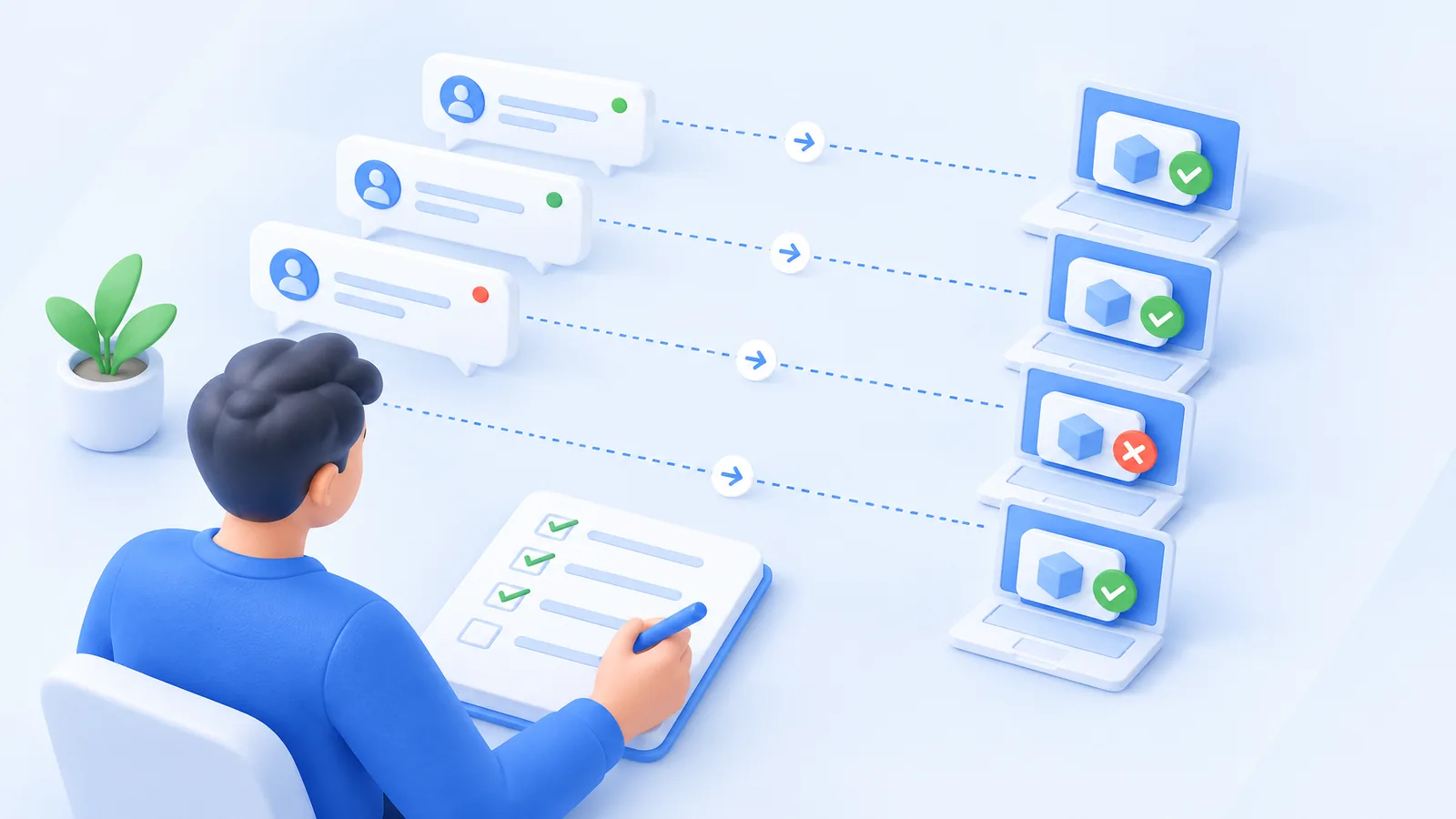
Use a simulated account to rehearse signal copying before authorizing live orders. Turn on Demo Trading at the top of the dashboard, create a simulated exchange account with your chosen virtual balance, and configure the follower bot there. External exchange demo or testnet keys are not supported (demo setup instructions).
Write expected outcomes before testing: one opening instruction, a target change, a cancellation, and a closing event. Record the Telegram message, parsed pair, configured amount, observed action, and remaining exposure. For a repeated message, inspect existing activity before sending another instruction. A successful opening alone does not establish that updates and shutdown behave as intended.
Include target edits, stop changes, and cancellations in the rehearsal. Use the rehearsal to observe those actions, rather than assuming the original message remains the only instruction affecting a trade (signal update behavior).
6. Diagnose rejected orders before restarting
Bybit rejects futures orders that do not meet minimum quantity or notional requirements, meaning the minimum monetary value of an order. Splitting an allocation among several targets deserves particular attention because each submitted order must satisfy applicable exchange rules (futures order requirements).
Bybit distinguishes available balance from wallet balance: existing positions and orders can reserve funds. Its USDT contracts also distinguish One-Way mode, where an opposite order reduces or closes a position, from Hedge mode, which permits both directions. Review those account conditions when an instruction fails or conflicts with existing exposure (USDT contract mechanics).
Keep a troubleshooting record with the signal time, account, symbol, settings, rejection message, and exchange order history. Correct one cause at a time. Before restarting, account for resting orders and open positions separately from the bot's activation state.
7. Budget for the copying workflow
Budget for the number of signal channels and connected exchange accounts your workflow requires. Check current subscription terms before budgeting for any trial or paid access. Match subscription capacity to the channels and connected accounts you intend to run, while budgeting separately for channel membership and exchange trading costs (subscription plans).
When considering hosted copying versus self-managed code on a computer or virtual private server, decide who will maintain message parsing, credentials, uptime, and recovery. Choose a configured service when you want to manage trading rules rather than maintain that infrastructure. Keep copying manual until the instruction and exit behavior are clear. If structured signal automation fits your needs, begin with the Cornix account registration.
Frequently Asked Questions
Should I copy Telegram signals from several channels at once?
Begin with one source so you can trace each instruction and correction. Add another only after assigning it a separate capital allowance and deciding how you will handle opposing instructions for the same market.
Can I replace API keys without losing trade records?
Before replacing API credentials, check the service's credential-update instructions and trade-record retention policy; do not assume that creating a new connection preserves existing records.