
Table of contents
- 1. Match Telegram signals to your MEXC market
- 2. Connect MEXC with restricted trading access
- 3. Make Telegram signals readable before copying
- 4. Set size and exits before activation
- 5. Test Telegram signals through opening and closing
- 6. Trace missed orders before enabling live copying
- 7. Alternative destinations: Telegram relays and MetaTrader
- 8. Use the free Cornix plan with a MEXC account
To copy Telegram signals to MEXC, connect an eligible exchange account to a signal bot, select an integrated channel, and configure trade size and exits before activation. Start with simulated execution. MEXC prohibits US users, so the live instructions below apply only to eligible users outside restricted jurisdictions (MEXC user agreement).
1. Match Telegram signals to your MEXC market
Cornix supports MEXC spot and futures connections, letting you select the market that matches your channel's instructions (supported exchange connections). Keep spot purchases separate from leveraged futures positions when planning your setup.
Cornix automates supported channel signals through its Signals Bots features. Review the selected sizing, entries, take-profits, and stop-loss settings before connecting funds.
Choose one channel whose entry, exit, and correction instructions you understand. Browse the supported signal groups for integration options, rather than treating inclusion as an endorsement. Read the beginner copy trading guide if you still need to decide between approving ideas individually and following them automatically.
2. Connect MEXC with restricted trading access
Use the MEXC Quick Connect guide for this connection sequence:
- Open Portfolio > Accounts > +Create.
- Select MEXC.
- Uncheck sub-exchanges you do not intend to use.
- Choose Quick Connect, name the account group, and select Connect to MEXC.
- Log in to the exchange and complete its verification prompts.
For manual credentials, use Connect with API Keys. In the exchange's API Management, select the required Account and Trade permissions, name the key under Notes, and paste the connection's unique IP addresses into Link IP Address. Futures API creation requires Primary or Advanced identity verification (manual API connection instructions).
Keep keys and secrets out of Telegram messages and screenshots. Do not add withdrawal authority. An API key authorizes account access; sharing a trading idea does not require sharing that credential. Use only the IP addresses provided for your own connection, not another user's list.
3. Make Telegram signals readable before copying
For this workflow, use structured plain text, price-based targets, and a single stop-loss target; keep images in separate messages. Follow the signal formatting instructions when reviewing your channel's template.
Map each instruction to a distinct field: full pair, market, direction, entry, take-profit, and stop. Use Entry or Buy for entries and Stop or SL for the protective stop. Sell identifies a take-profit instruction, so it should not label a stop (signal posting rules).
For a hypothetical spot rehearsal, map BTC/USDT to the pair, Entry: 60000 to the proposed purchase price, Take Profit: 62000 to the exit target, and Stop: 59000 to the protective exit. These fictional prices are formatting inputs, not a trade recommendation. Set the allocation separately in the bot.
For an entry zone, write down the actual prices and inspect the parsed entries rather than assuming the bot interprets informal wording. If your source begins with chart alerts, the TradingView signal routing guide explains the publishing stage separately from exchange execution.
4. Set size and exits before activation
Open Signals Bots > Create Bot, select the Signals Group and your intended Exchange Account, then enter Amount Per Trade. Start with a fixed practice amount so each result is easy to trace. Use Show Configuration to review the channel's entry, take-profit, and stop strategies (Signals Bot setup instructions).
Use personal overrides when the channel's proposed entries or exits differ from your written MEXC test plan. Review entries, take-profits, stops, symbols, direction, and leverage in Advanced Settings. Switching back to Basic Settings discards advanced changes (advanced configuration overview). Write down which values come from the channel and which come from your personal settings.
Choose Create to save inactive, rather than Create & Activate, while you review the destination and allocation. Define a total capital ceiling across concurrent trades; a per-trade amount alone does not describe aggregate exposure. Use the following arithmetic only as a spot allocation exercise, not a futures margin calculation.
For a hypothetical $1,000 spot practice balance, allocating $40 to each of 3 simultaneous trades commits $40 × 3 = $120, leaving $1,000 - $120 = $880 before fees. This measures allocated capital, not the loss at a stop or a recommended live position size.
5. Test Telegram signals through opening and closing
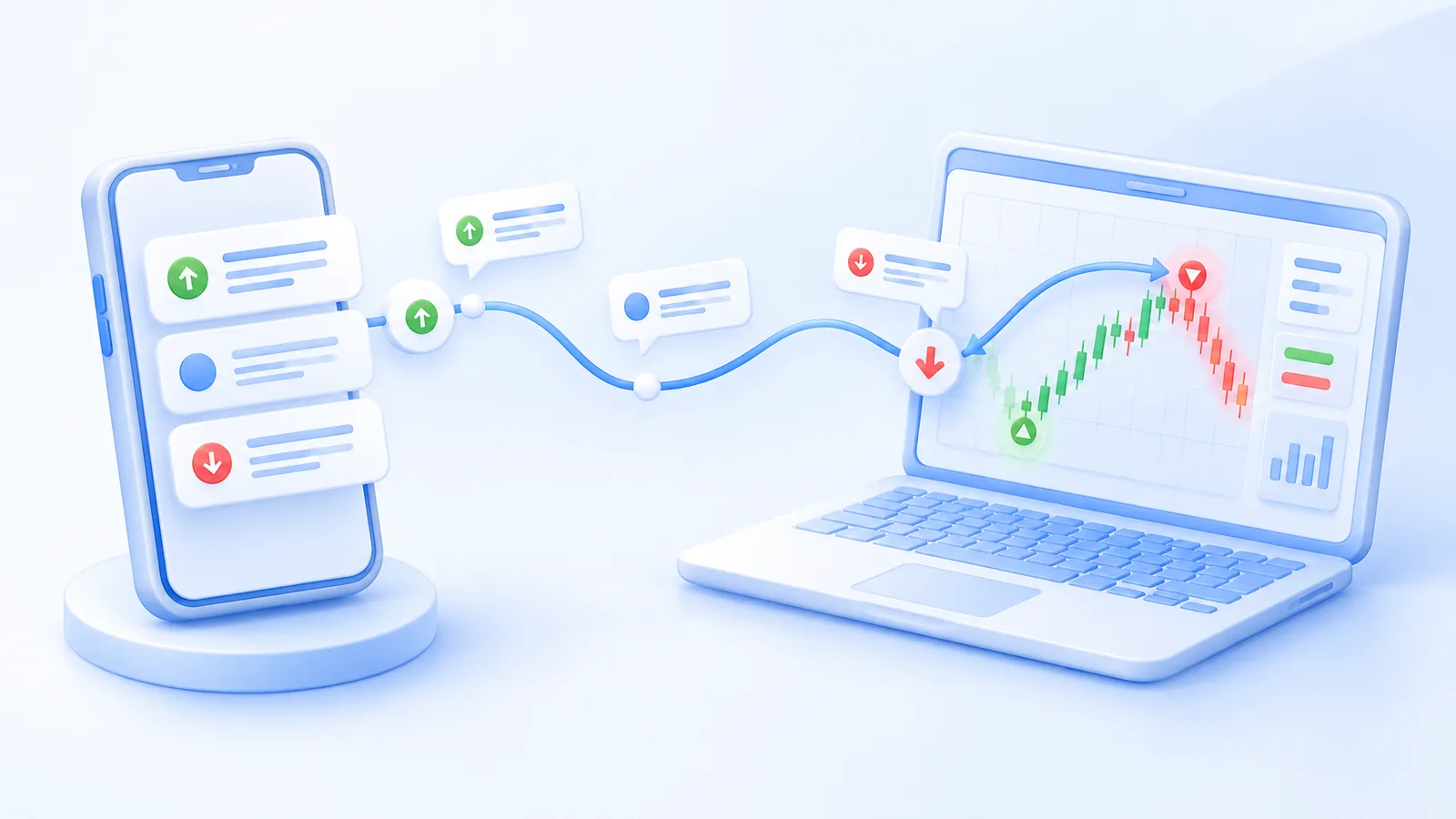
Practice with a built-in simulated account without an exchange API connection. Turn on Demo Trading at the dashboard's top, create a simulated exchange account with a virtual balance, and configure a Signals Bot there (demo account instructions).
Write expected outcomes before testing an opening, target edit, stop change, cancellation, and closing event. Include a breakeven move and a partial exit when those belong to your source's workflow. Record the original message, parsed prices, configured allocation, resulting action, and remaining position.
Cornix Signals Bots synchronize supported changes to the original signal, including target updates, stop edits, and cancellations (signal update behavior). Do not assume every informal management message is an executable update. For a repeated signal, inspect existing activity before sending another instruction; for an edited message, compare the resulting targets with your written expectation.
6. Trace missed orders before enabling live copying
When nothing happens, inspect the chain in order: channel instruction, parsed signal, selected account, bot activation, available balance, then exchange response. Keep the exact rejection message with the symbol and time. Check whether the pair belongs to the selected market before changing allocation or resending anything.
The bot setup displays available funds for the selected account, not every asset held elsewhere. Review that balance when troubleshooting an unfunded destination. For rejected orders, compare the attempted quantity and price with the exchange's applicable order requirements.
Record actual fills and fees separately from published signal prices. A simulation rehearsal establishes workflow behavior, not a promised live fill or return. Resume with a supervised opening and exit only after you can explain every unexpected action.
7. Alternative destinations: Telegram relays and MetaTrader
A Telegram relay forwards messages to another chat; delivery alone does not place a MEXC order. Test whether edits and cancellations reach the destination, not just opening signals.
MetaTrader routes orders to a connected broker account rather than automatically to MEXC. A copier built for MetaTrader is not interchangeable with an exchange integration: confirm the execution destination and symbol mapping before choosing it.
8. Use the free Cornix plan with a MEXC account
Since June 1, 2026, Cornix gives Premium Plan features on a connected MEXC account without a paid Cornix subscription. That includes auto-trading signal channels, DCA, Grid and TradingView bots, portfolio monitoring, and trade and position management. The campaign currently has no fixed end date, and any change is announced on the Cornix Announcements Telegram channel.
The free access applies only to connected MEXC accounts. Using Premium features on other supported exchanges still requires an active Cornix subscription. It does not cover signal-channel membership fees or MEXC trading fees, and it does not remove market risk. See the free Cornix plan for MEXC traders for the current terms.
Keep the initial workflow to one understood source and a defined allocation, and rehearse it in a demo account before connecting live funds.
Frequently Asked Questions
Can I use external exchange testnet keys to practice Telegram signals?
External exchange demo or testnet API connections are not supported in this workflow. Use the built-in simulated accounts instead.
Do I need a paid Cornix plan to copy Telegram signals to MEXC?
Not while the MEXC campaign is active. Premium features, including auto-trading signal channels, are available on connected MEXC accounts at no extra cost. Check the help center article for the current terms.
Does the free MEXC plan cover my accounts on other exchanges?
No. The free Premium access applies only to connected MEXC accounts. Other supported exchanges still require an active Cornix subscription.