Table of contents
- What Fibonacci retracements show
- Build a Fibonacci crypto trading rule
- Choose the right automation path
- Add controls before sending an alert
- Test the whole Fibonacci workflow
- When Fibonacci automation is a poor fit
Fibonacci crypto trading is most useful when it turns a vague chart observation into a rule you can test. A retracement line alone does not tell a bot when to buy, how much to allocate, or when to stop. Your strategy must supply those decisions.
Cornix supports TradingView-alert workflows that can connect a preconfigured strategy to automated execution, while leaving the trader responsible for the alert logic, account, allocation, and controls (automated trading workflow overview).
What Fibonacci retracements show
A Fibonacci retracement maps potential reaction zones between two selected price extremes. Common displayed levels include 23.6%, 38.2%, and 61.8%; traders often treat them as areas to watch for possible support or resistance rather than as guaranteed turning points.
The important word is possible. A level can be reached and ignored, briefly breached, or become relevant only after the market has already moved. The CFTC specifically warns against automated-trading claims that suggest algorithms can reliably predict sudden market changes or deliver guaranteed returns (automated trading-bot advisory). Treat a Fibonacci level as one condition in a written process, not evidence that a trade must work.
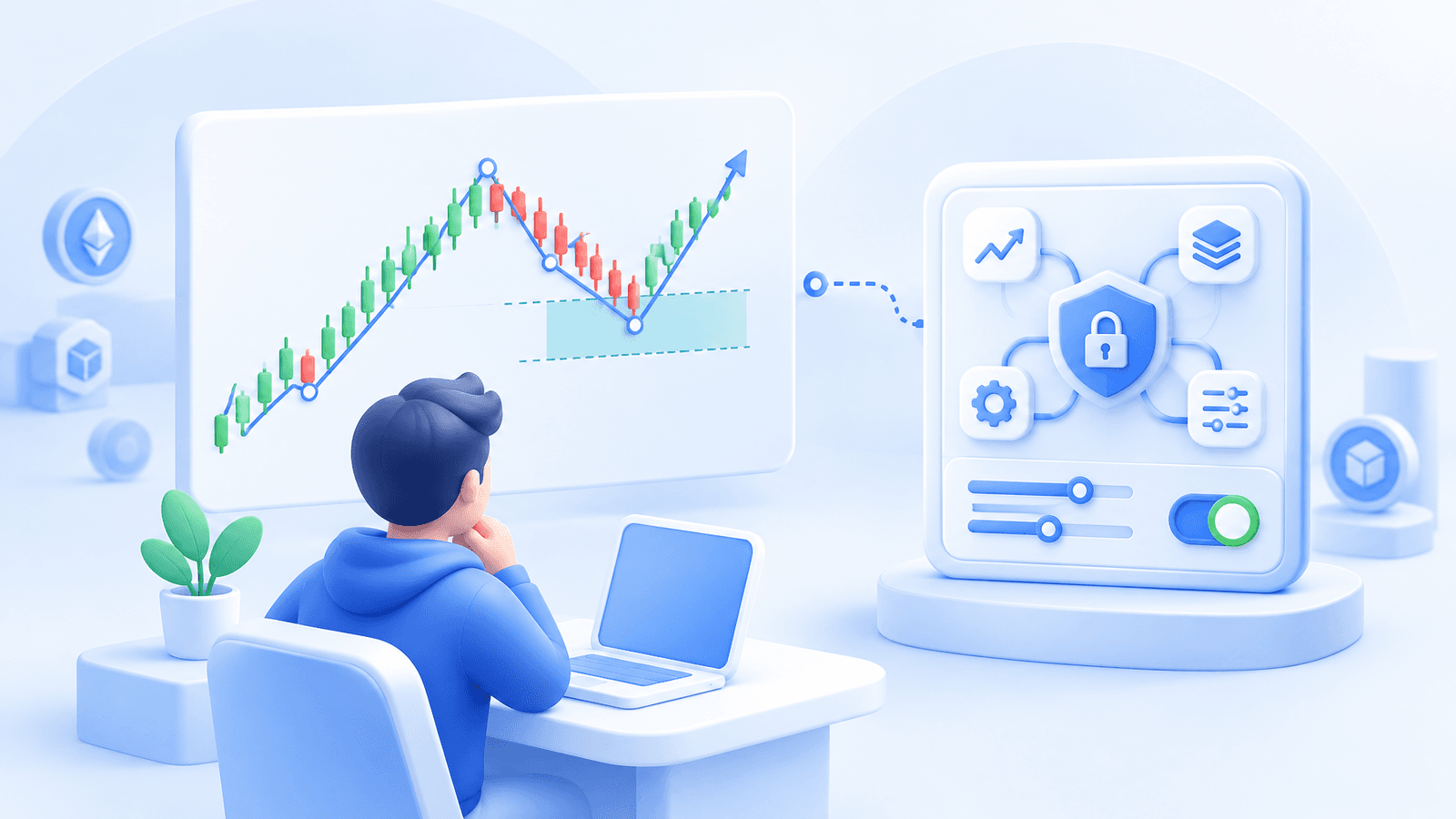
For crypto charts, first choose a timeframe that matches your intended holding period. A five-minute swing may be irrelevant to a bot meant to manage positions over several days. Then identify one completed directional move and anchor the tool consistently: low to high for an upswing you expect may retrace, or high to low for a downswing. The chart tool calculates levels from those two points; changing either point changes every price level that follows.
Build a Fibonacci crypto trading rule

A usable bot rule has a trigger, an entry method, a maximum commitment, an exit condition, and a pause condition. “Buy at the 61.8% level” is incomplete because it does not say whether price must merely touch the level, close through it, reclaim it, or confirm with another condition.
Start with one narrow hypothesis. For example: After an established upswing on a four-hour chart, consider a long setup only if price enters the 50% to 61.8% retracement zone, closes back above the zone boundary, and the stop can sit below the swing low within the account's pre-set risk limit. This is not a recommendation to take that trade. It is an example of a rule that can be tested without changing its meaning from one chart to the next.
With an alert-driven workflow, the alert should confirm the rule, while the bot should define what happens after confirmation. Cornix TradingView Bots can be configured with an exchange account, symbol, amount per trade, entries, take-profit settings, stop settings, cooldown time, and a limit on the number of trades before the bot stops. That division prevents a chart level from silently becoming an uncapped or repeatable exposure.
Choose the right automation path
A Fibonacci retracement does not determine which bot type fits. It supplies a chart reference. Choose the automation method based on how the actual trade decision is generated.
If your rule is coded or expressed as a TradingView alert, an alert-driven bot is the direct fit. The alert fires only when the precise condition occurs, and the bot uses the order settings you configured in advance. An active Cornix TradingView Bot can create a new trade when its connected alert triggers unless its advanced settings specify otherwise, so duplicate alerts and repeat-trade behavior must be part of the test plan.
If you intend to scale into a pullback after a Fibonacci zone is reached, a DCA-style configuration may represent the order sequence. But the chart level should not justify unlimited additional orders. Define the total allocation, number of entries, price spacing, stop behavior, and the condition that prevents another cycle. Cornix's automation guide recommends setting the maximum commitment and stop condition before activation, then inspecting the expected orders before proceeding.
Do not use a grid simply because a retracement creates several horizontal lines. A grid is for orders distributed across a chosen range, while a Fibonacci drawing is an analytical reference derived from a selected swing. Combining them may be reasonable only when you can explain the range premise, inventory risk, and shutdown condition separately.
Add controls before sending an alert
Use a Fibonacci level to narrow attention, then apply controls that address what the level cannot answer:
- Trend context: State what makes the original swing valid and what market behavior invalidates that view.
- Entry confirmation: Define the exact close, alert, or other observable event that permits an order.
- Allocation cap: Set a total amount the workflow may commit, not just the first order size.
- Invalidation: Define the price or market condition that stops the setup from remaining active.
- Repeat behavior: Specify whether another alert may open another trade and how many attempts are allowed.
- Monitoring: Decide who reviews open orders, failed alerts, and manual changes.
This structure matters especially with leveraged products. A Fibonacci line does not reduce the consequences of leverage, slippage, partial fills, or an incorrect account setting. A practical way to use the level is operational: it identifies where you will check whether your full rule is satisfied.
Test the whole Fibonacci workflow
Test the chart logic and the execution logic separately. First, review historical examples to see whether you can place the same anchors and identify the same alert condition consistently. If two reviews produce different swings or different entry rules, the strategy is still discretionary and should not be automated unattended.
Next, test the complete route: chart alert, webhook, bot configuration, selected account, sizing, protective orders, notifications, and deactivation procedure. Cornix Demo Accounts provide simulated trading with Signals, DCA, Grid, and TradingView bots without requiring an exchange API connection; demo TradingView Bots require the designated demo webhook rather than the live one.
A demo confirms whether a configuration behaves as intended. It cannot prove future profitability or perfectly reproduce live liquidity, market movement, or fills. Keep the first live implementation small enough to inspect order by order, and stop expanding if you cannot explain a result. For a wider overview of how strategy input, bot settings, exchange permissions, and execution interact, see this automated crypto trading guide.
When Fibonacci automation is a poor fit
Do not automate Fibonacci crypto trading when the level is only a post-hoc explanation for a trade you already want to take. It is also a poor fit when your swing anchors change constantly, the confirmation rule depends on an unstructured feeling, or the position size is decided after the alert fires.
You can begin with a manual alert while confirming that the same setup is repeatable. Once you can write the condition before price reaches it, explain every order the bot might place, and state exactly how the workflow shuts down, Cornix can automate the execution consistently.
Selection principle: automate the confirmation rule around a Fibonacci zone, not the belief that a Fibonacci ratio forecasts the next move. When you have written the trigger, exposure cap, and stop condition, review how to choose the right trading bot for your strategy.
Frequently Asked Questions
Which Fibonacci levels are most common in crypto trading?
Common retracement levels include 23.6%, 38.2%, 50%, 61.8%, and 78.6%. Their usefulness depends on how consistently you define the underlying swing and whether your full entry and risk rules are testable; the levels themselves do not guarantee support, resistance, or a reversal (Fibonacci retracement drawing guide).
Can a TradingView alert trigger a Fibonacci trading bot?
Yes, if your alert logic defines the relevant Fibonacci condition and is connected to a preconfigured TradingView Bot. The alert is the trigger, while the bot settings determine the account, order amount, entries, take-profit, stop, cooldown, and repeat-trade behavior (TradingView Bot configuration guide).
Should I use a Fibonacci level as a stop-loss?
A Fibonacci level can inform an invalidation idea, but a stop should be based on the point where your written trade thesis is no longer valid and on an acceptable account loss. Set the maximum commitment and stop behavior before activation rather than moving them after an alert fires (safe bot setup guide).
Can demo testing prove a Fibonacci bot will be profitable?
No. Demo testing can reveal alert, configuration, sizing, and monitoring mistakes without live funds, but simulated results cannot establish future returns or reproduce every live execution condition (demo account guide).